04 of July of 2026
How to Build a Client-Ready SEO Report in 10 Minutes

Daniel Correa
Looker Studio Templates
SEO & Marketing Dashboards

From blank page to a polished Looker Studio report your clients will actually read.
Most SEO reports fail for the same reason: they show data instead of answers. Here is the exact process we use to turn GA4 and Search Console into a report your clients will actually read.
Step 1: Connect your data sources
Open Looker Studio and connect two sources: Google Analytics 4 and Google Search Console. That is all you need for a complete SEO picture.
- GA4 tells you what users do once they arrive.
- Search Console tells you how they found you.
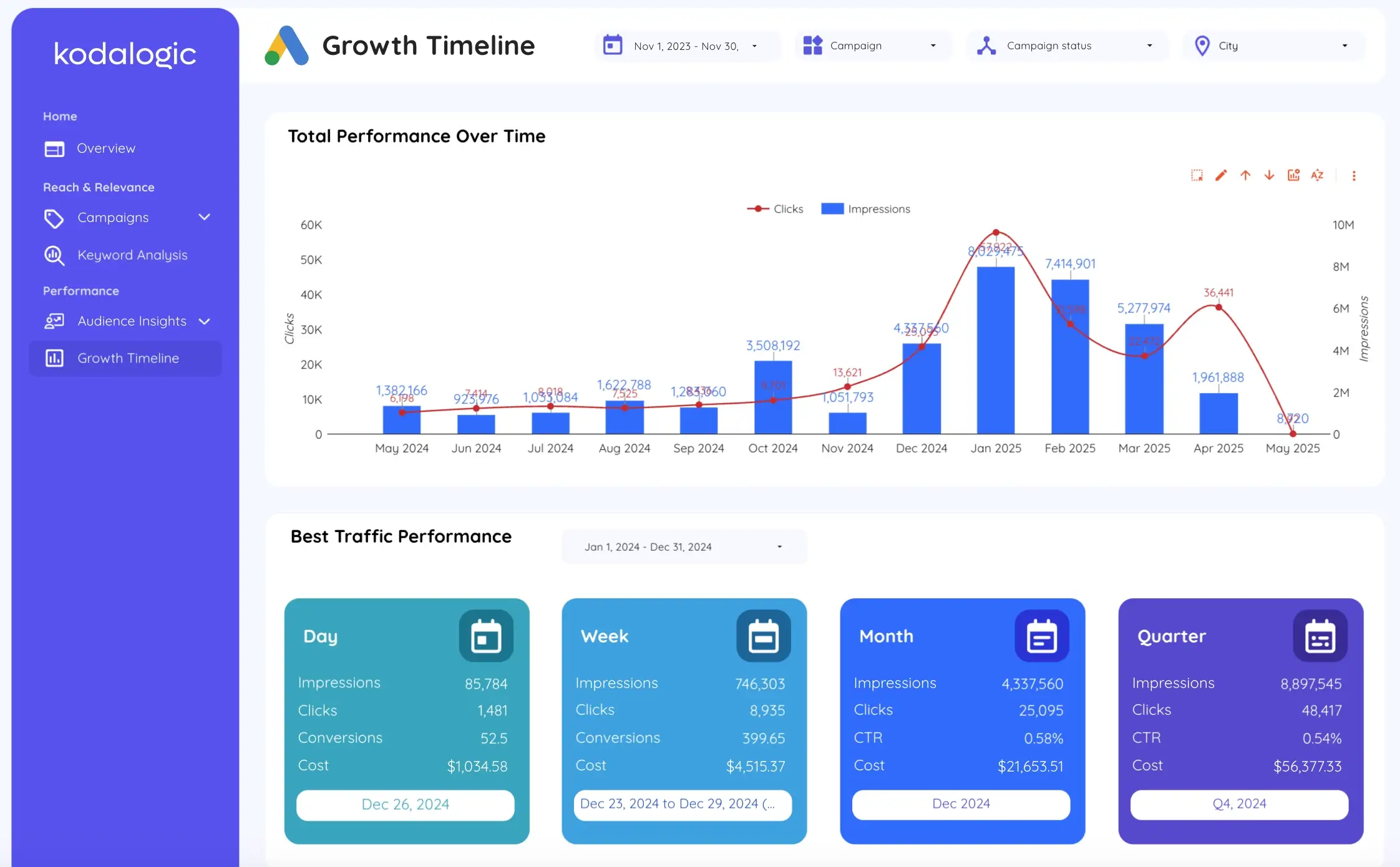
Step 2: Start from a template, not a blank page
Building from scratch takes hours. A well-designed template gets you to a working report in minutes:
- Rankings and CTR side by side, so drops explain themselves.
- Brand vs generic split without writing a single formula.
- Client-ready design from the first click.
Step 3: Automate the delivery
Schedule the report to land in your client's inbox every Monday. No exports, no screenshots, no last-minute panic.
The result: ten minutes of setup, and reporting stops being a chore.
Ready to skip the blank page? Browse our Looker Studio templates and start from a report that already works.
Updated: now with automated Monday delivery baked into every template.