Which Data Studio dashboard do you need?
Six dashboards, three data sources, one design system. Every one of them has a live demo, so you can open the real report before deciding.
Side by side
Your GA4 data, structured the way marketers actually need it — not the way Google Analytics 4 displays it.
 14 report pages48 fields
Live Google Ads reporting without the exports. Track spend, ROAS, and conversions in a dashboard you can share with one link.
 8 report pages30 fields
The only Data Studio SEO template that reads your Search Console data and writes the analysis for you. Rankings, CTR gaps, brand vs generic — explained automatically.
 19 report pages39 fieldsSmart Interpretations
See why your traffic converts or does not. GA4 and Search Console unified — with Smart Interpretations writing the analysis automatically.
Saves $44 against buying the 2 separately.
27 report pages54 fieldsSmart InterpretationsConnect ad spend to on-site behavior. ROAS tells you what your ads earned — this dashboard tells you why.
Saves $44 against buying the 2 separately.
22 report pages59 fieldsGA4, Search Console, and Google Ads in one live Data Studio dashboard. Stop switching platforms. Start deciding.
Saves $98 against buying the 3 separately.
35 report pages66 fieldsSmart Interpretations
Same numbers, different jobs
The question each one answers, and the page you buy it for.
 Google Analytics 4
$129
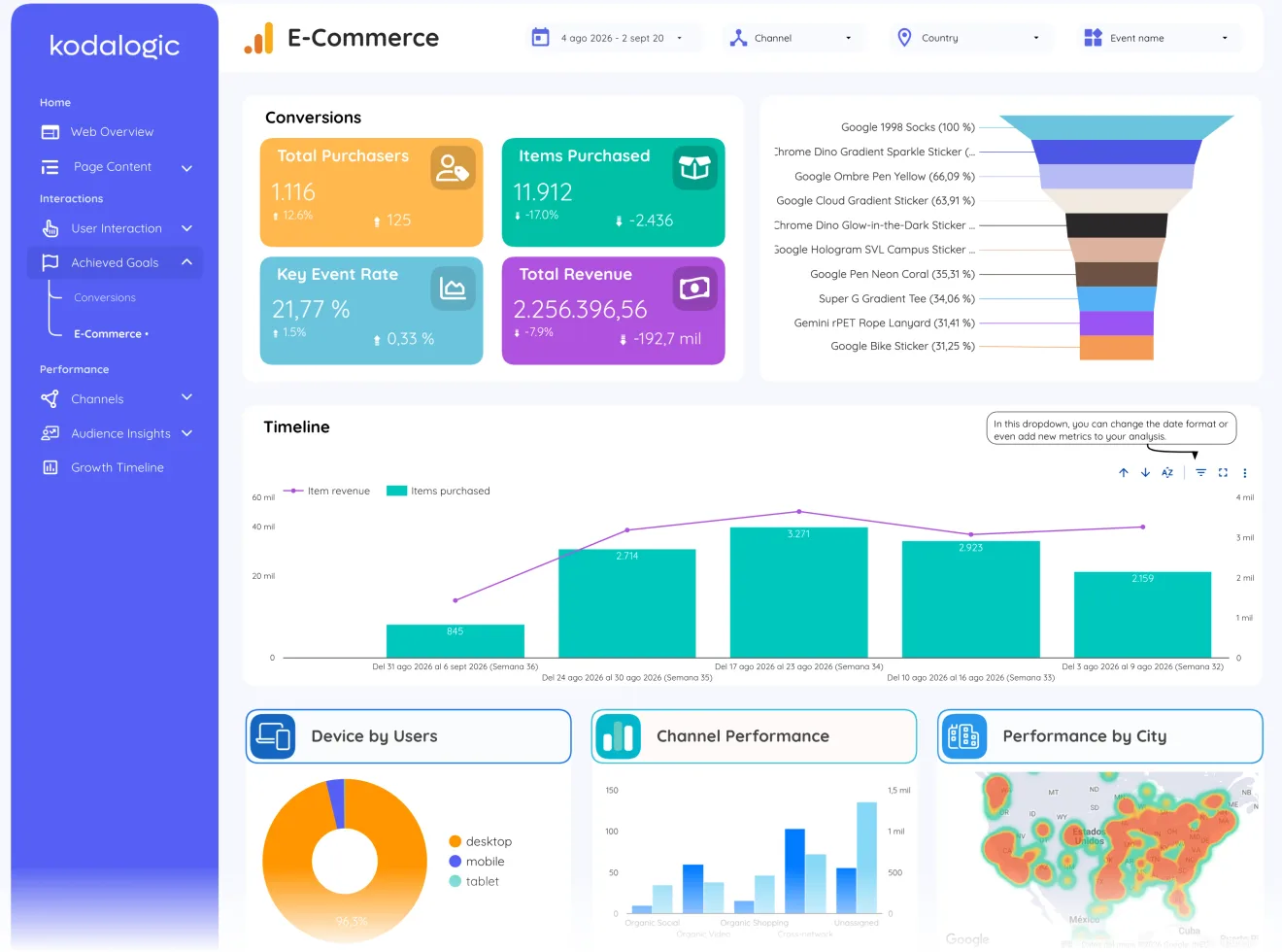
paid onceWhere visitors come from and what they do once they arrive: channels, landing pages, conversions and e-commerce, in one report. Nothing about search queries or ad spend.
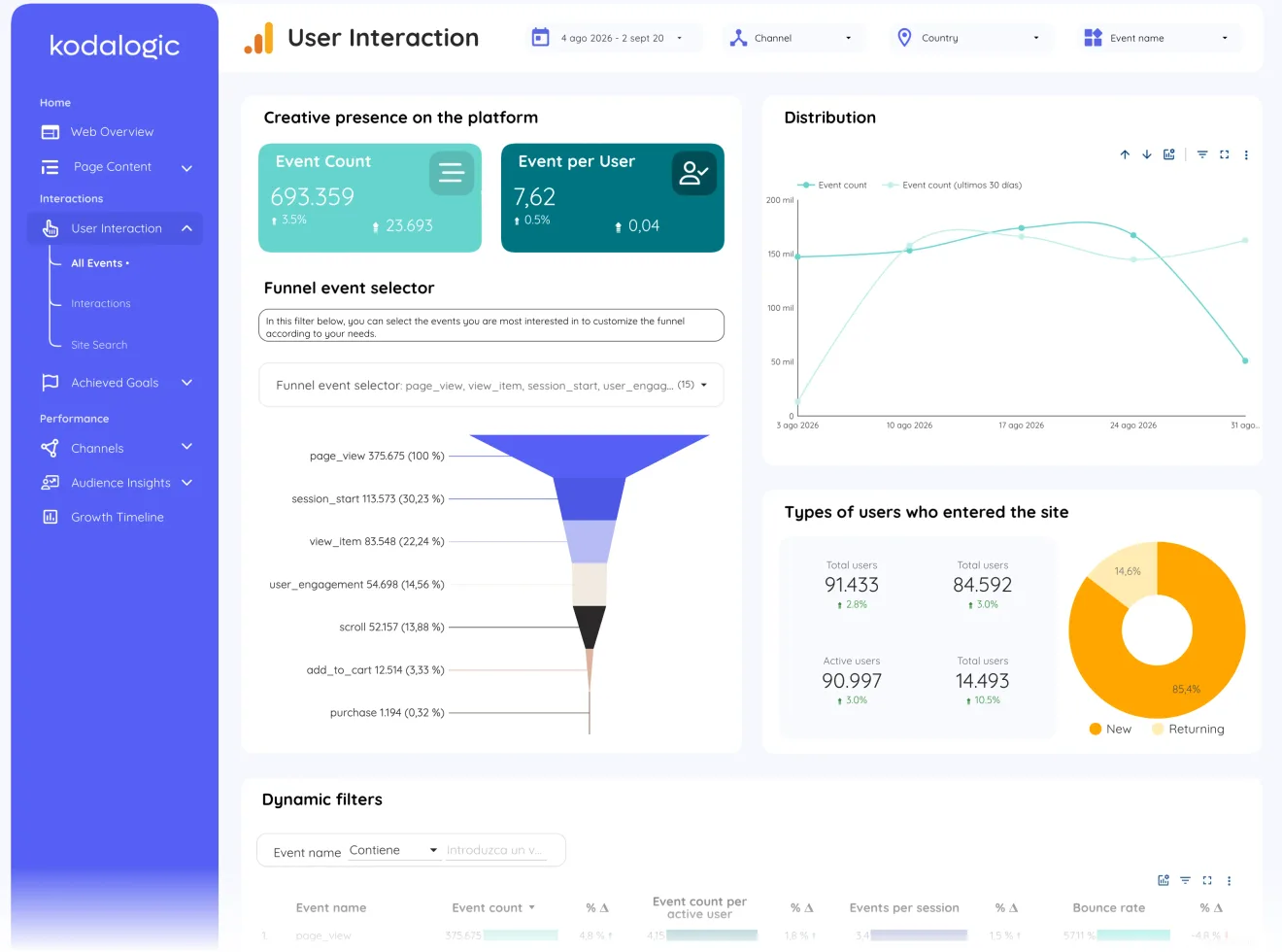
User interaction, page 4Every GA4 event counted per user, and a funnel you assemble with the event selector: page_view to purchase, with the drop at every step, plus new vs returning users. 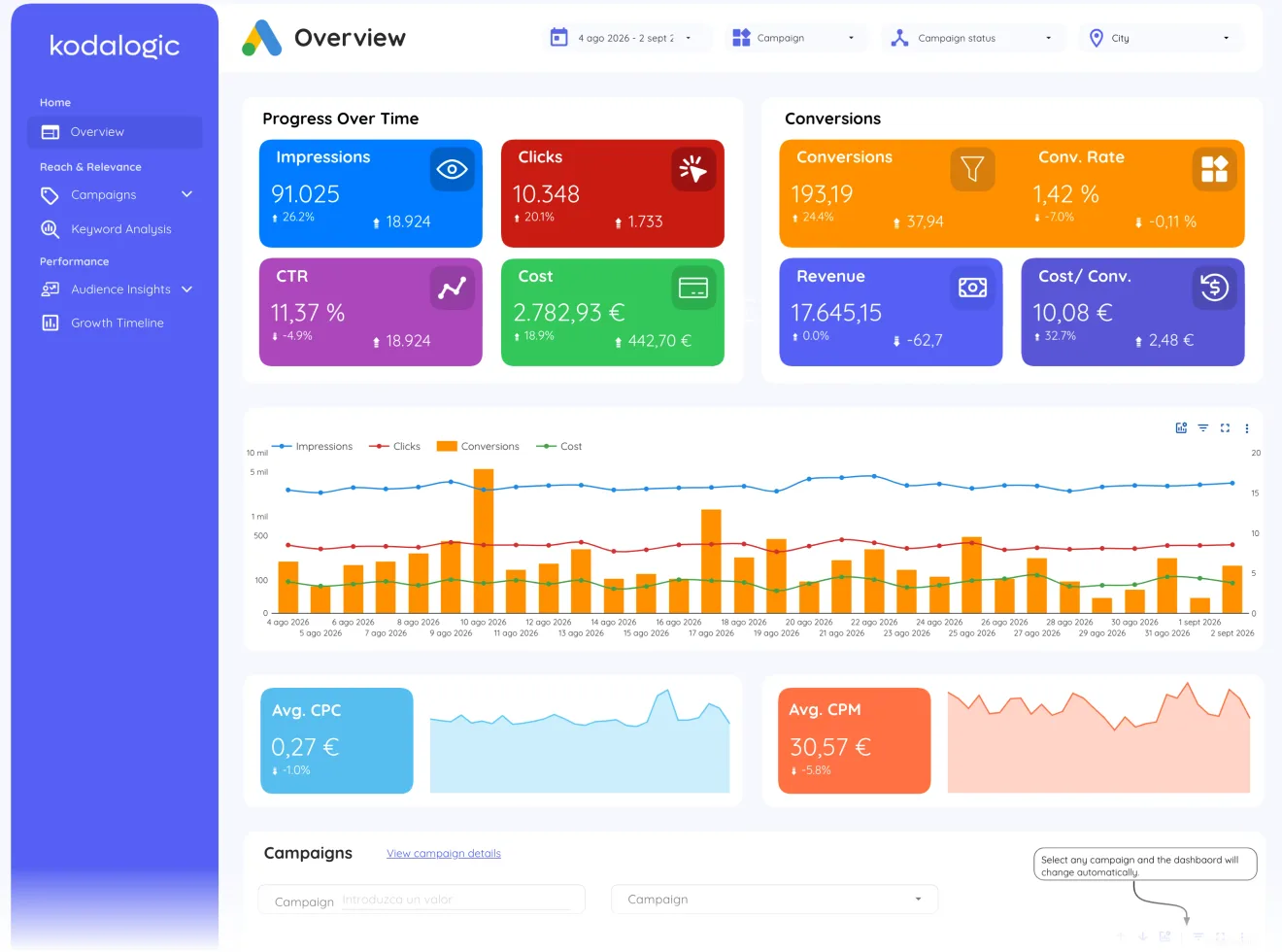 Google Ads
$129
paid onceWhat the campaigns cost and what they return inside Google Ads: spend, ROAS, CPA and conversions. It stops at the click.
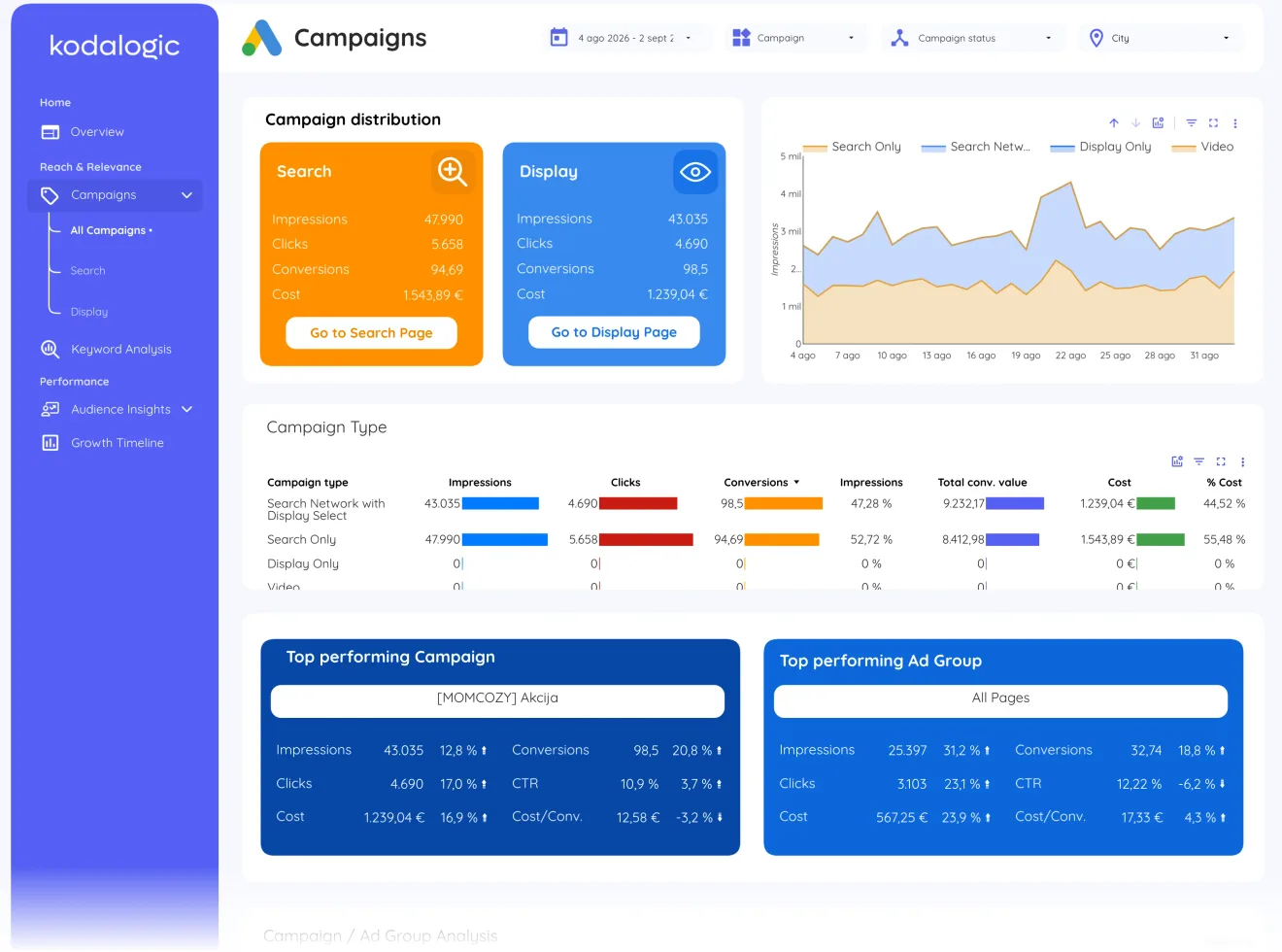
Campaigns, page 2Every campaign compared side by side by type, with its share of spend and its share of results. The reallocation conversation, pre-sorted: which line deserves more budget and which one is buying nothing. 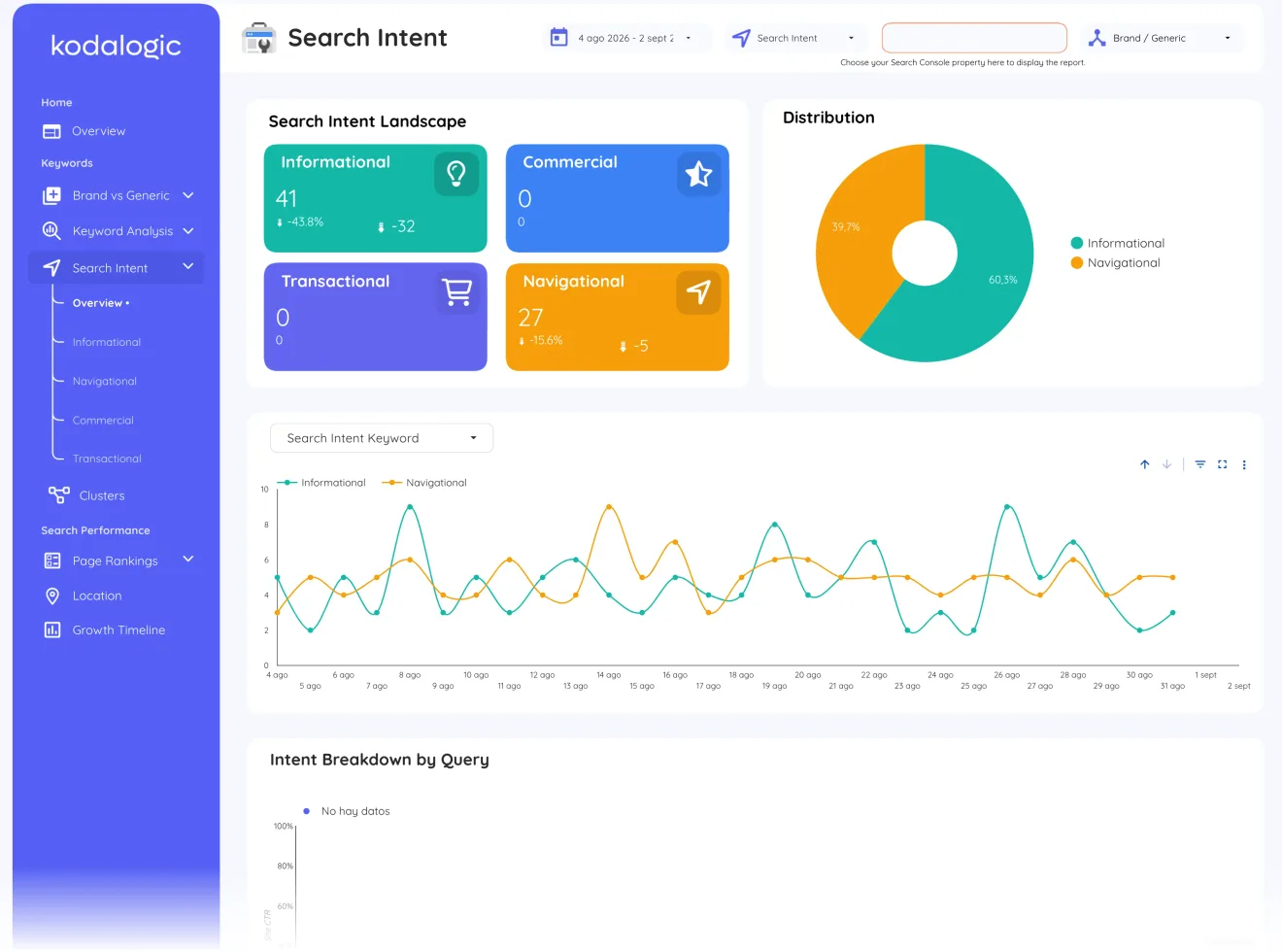 Google Search Console
$129
paid onceWhich queries and pages bring clicks, how rankings move, and how much of that traffic is people typing your name. It stops at the click: nothing about what happens on the site.
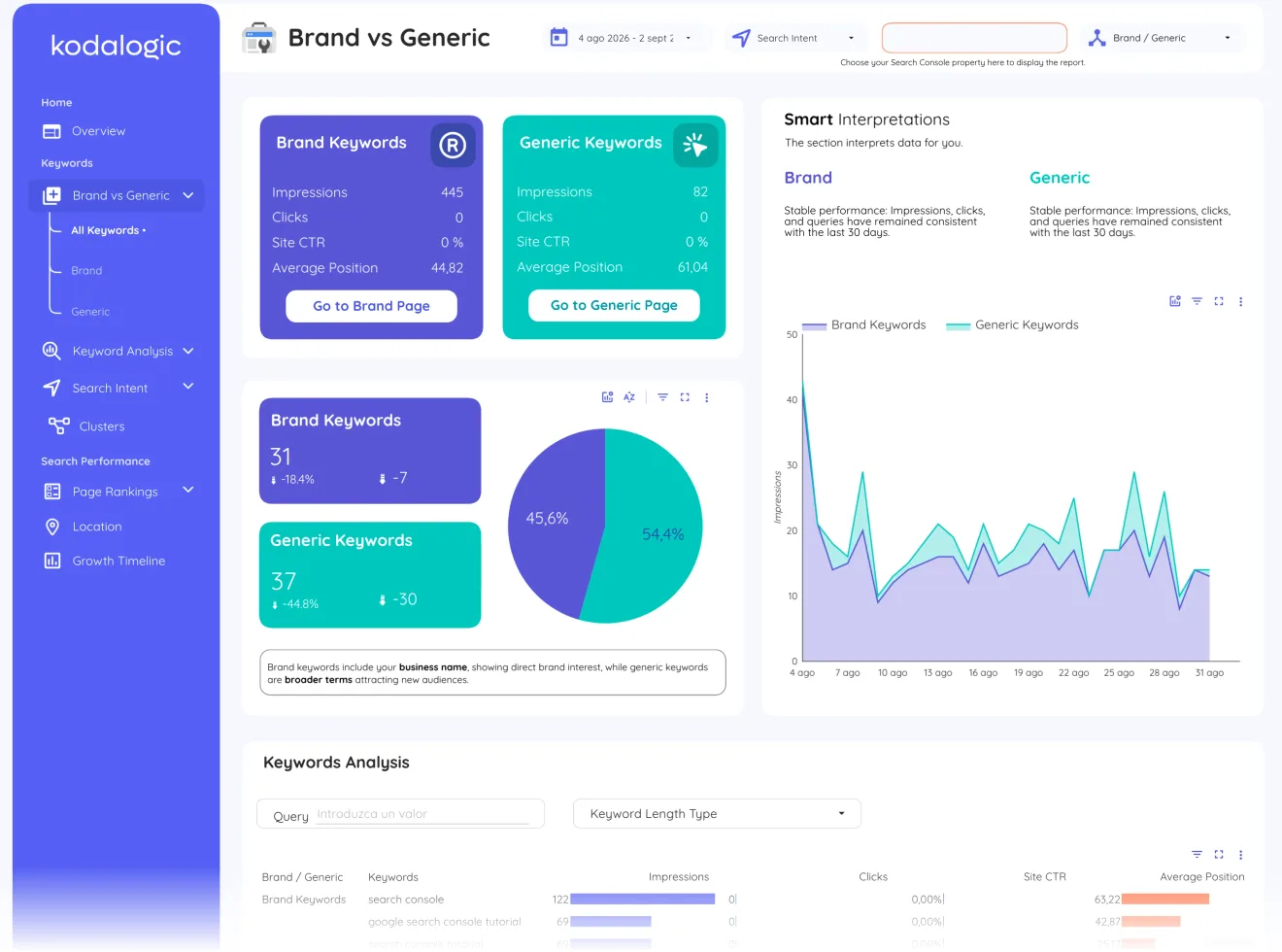
Brand vs generic, page 2Queries that include your name split from queries that do not, each side with its own impressions, clicks, CTR and position, and Smart Interpretations writing the trend underneath. Brand traffic measures recognition; generic traffic is where SEO investment moves the needle. 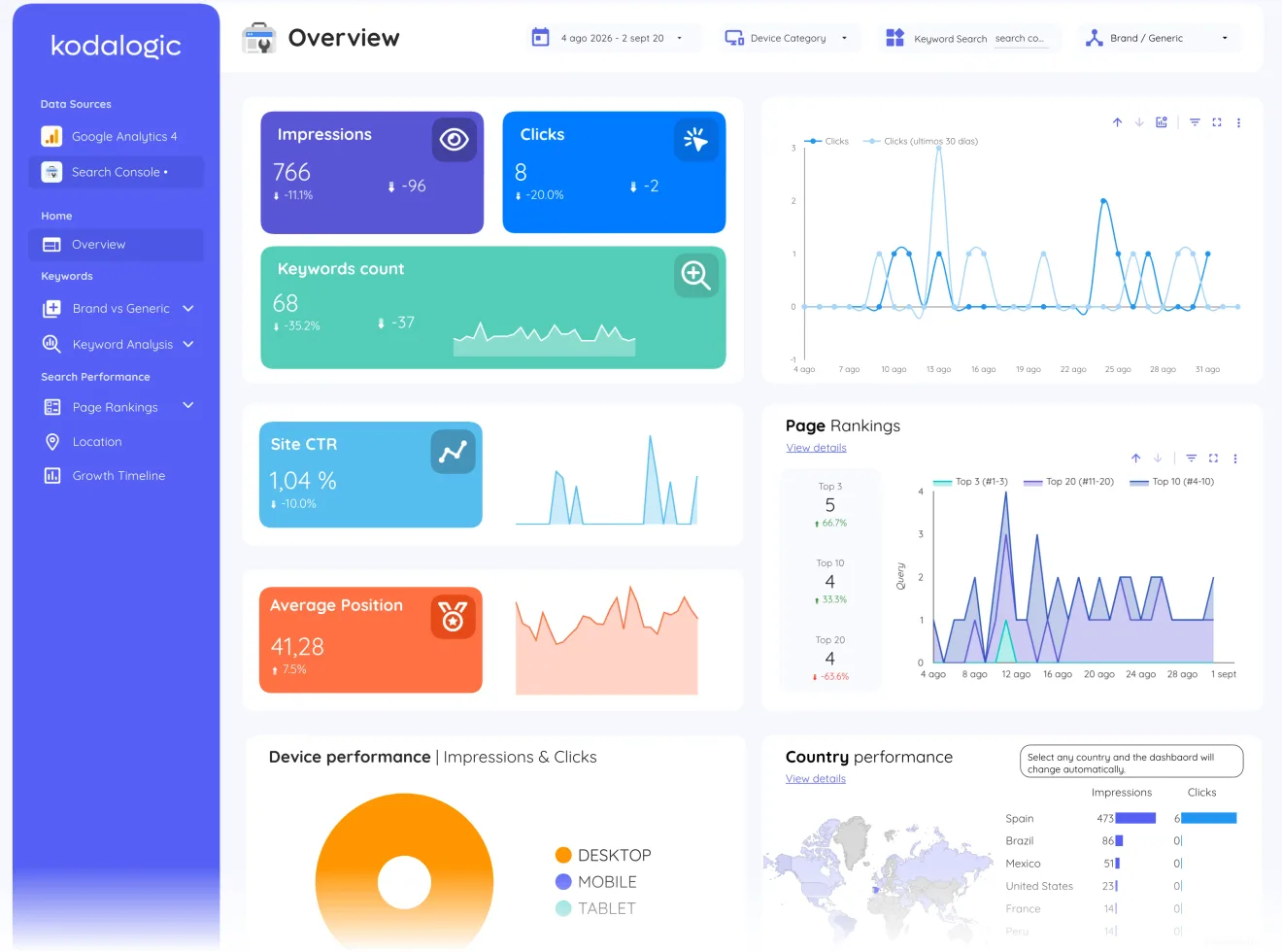 Web & SEO
$214
paid onceWhich keywords bring traffic that converts: Search Console queries next to what those visitors do after they land, on the same dates.
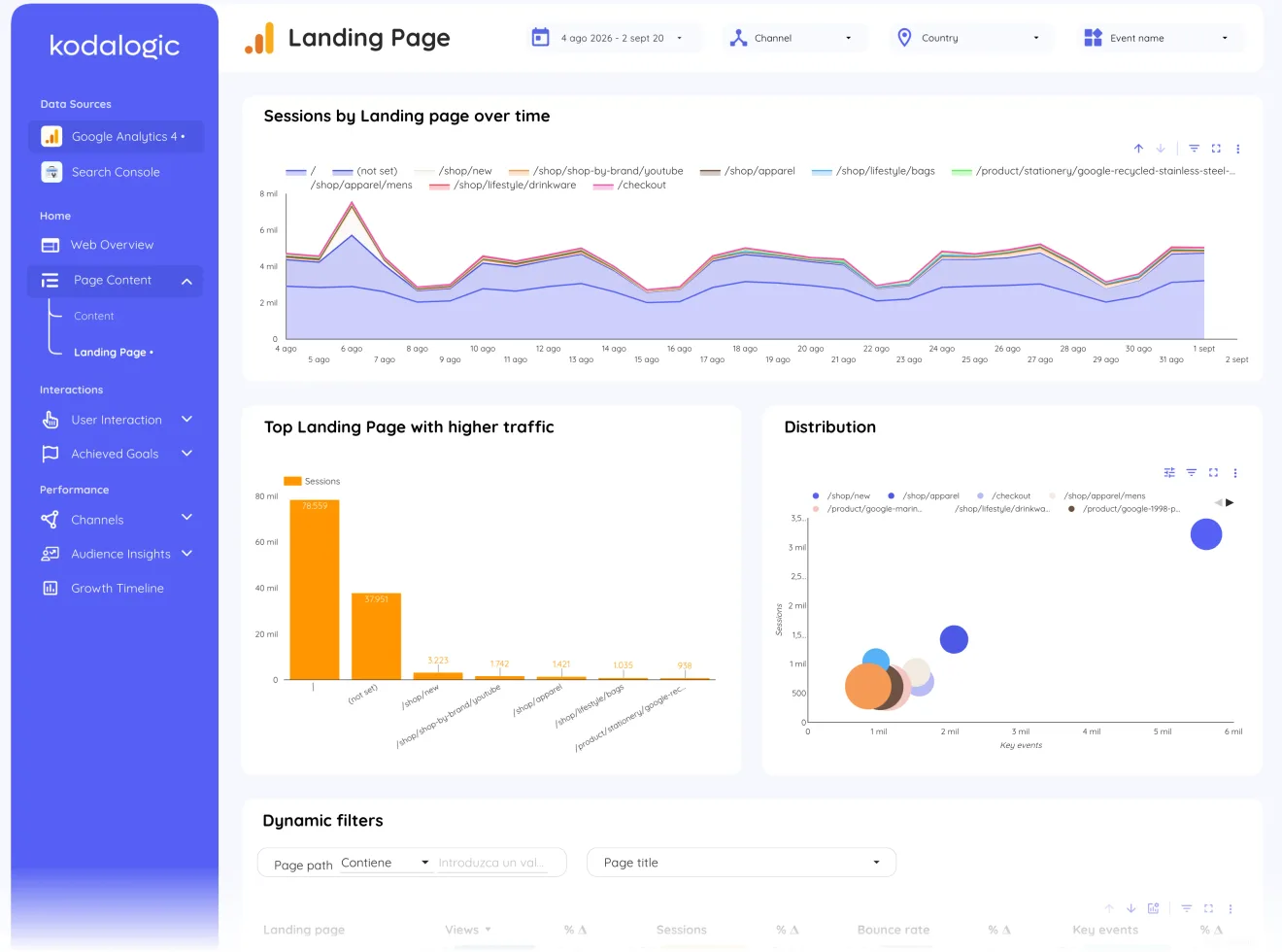
Landing page, page 3Entry points ranked by the traffic they attract and the behaviour that follows, plotted over time. The bridge between a ranking on the search side and an outcome on the traffic side. 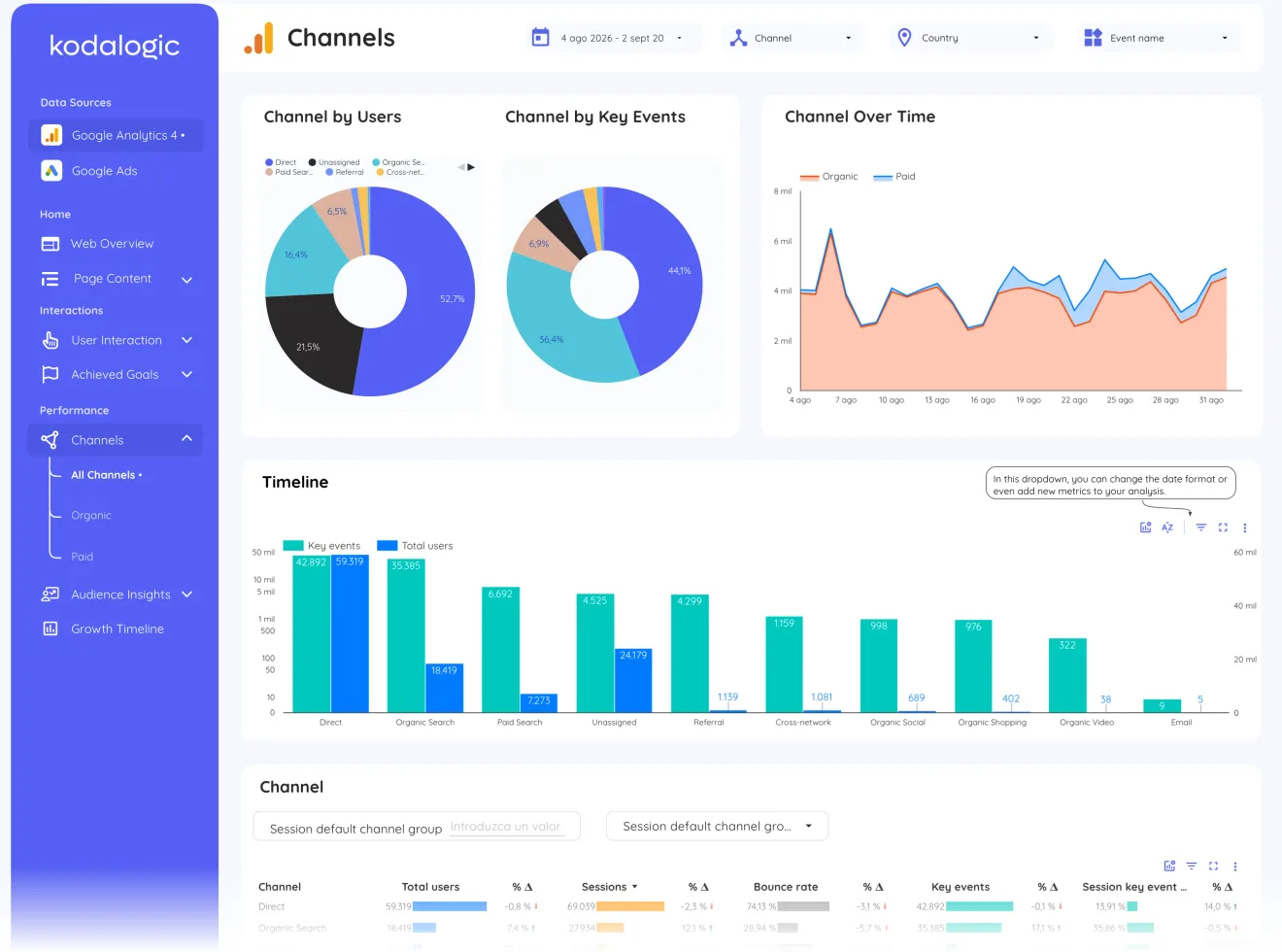 GA4 + Google Ads
$214
paid onceWhat the clicks cost and what visitors do on the site afterwards: Google Ads spend beside GA4 behaviour, on the same dates and filters.
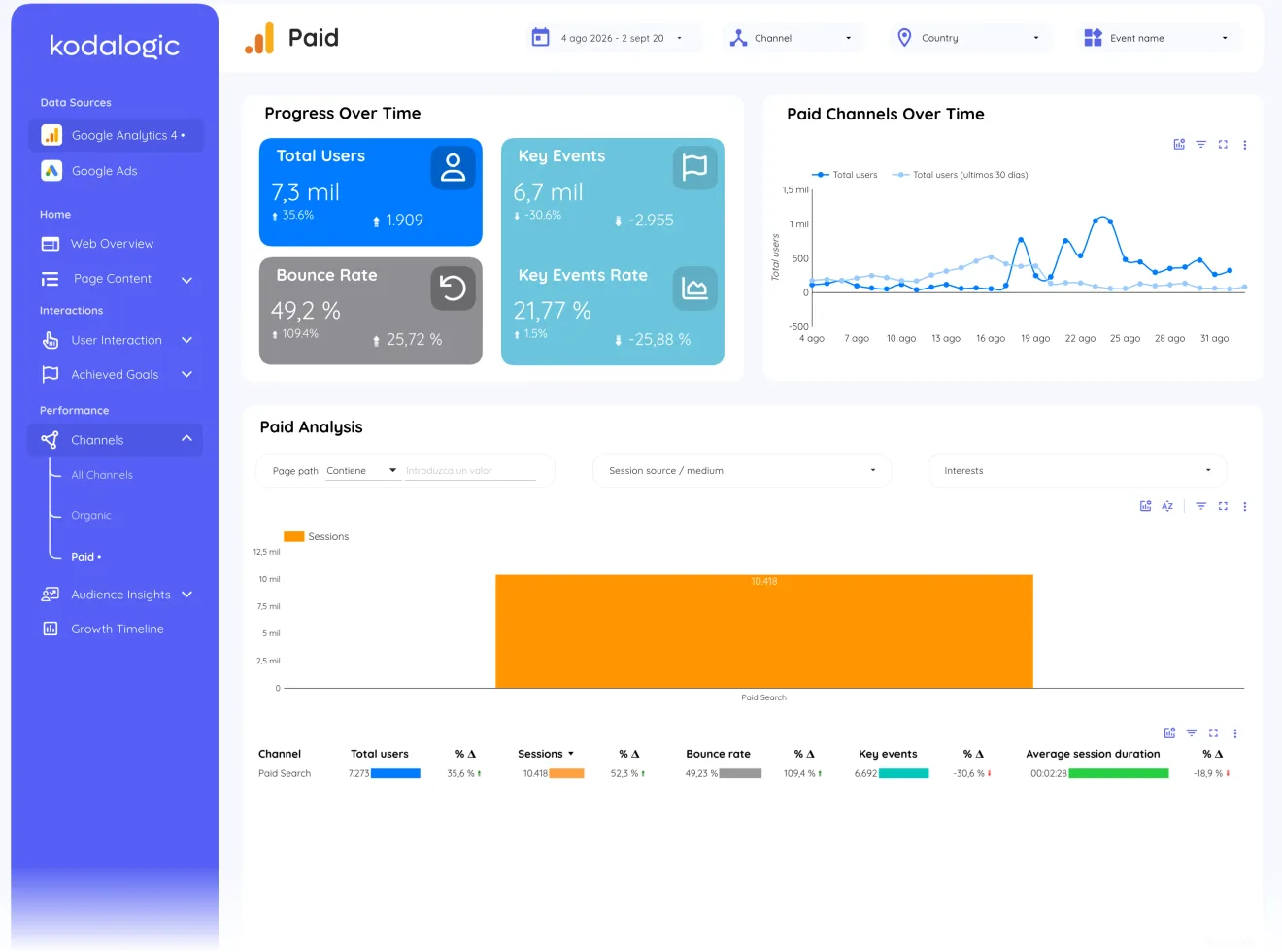
Paid channels, page 11The paid slice isolated: users, key events and revenue from paid traffic with its own trend, the GA4 view of what the Ads account buys. 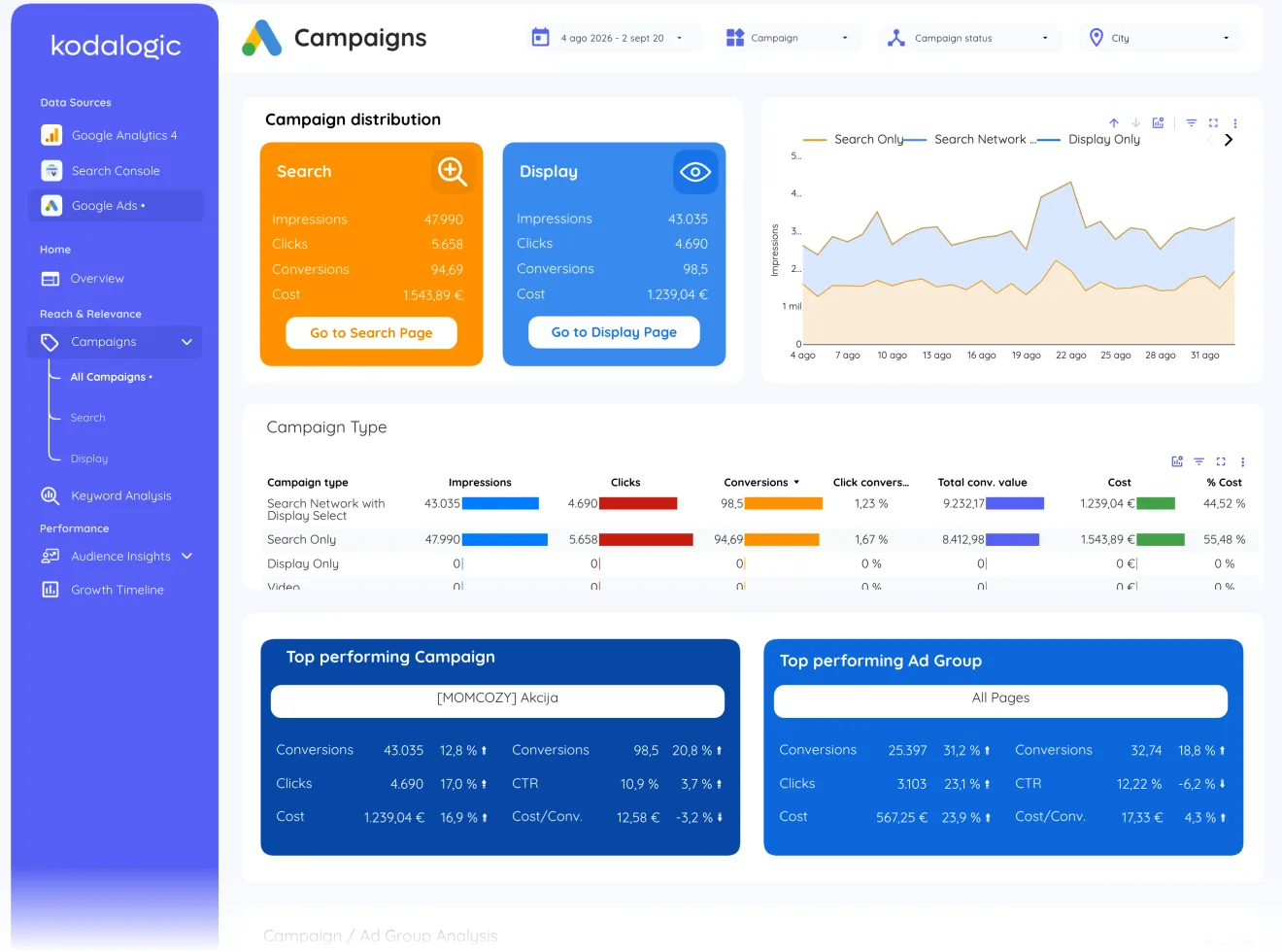 All-in-One
$289
paid onceAll three in one report: web analytics, organic search and paid campaigns on the same dates, with the pages where the three meet.
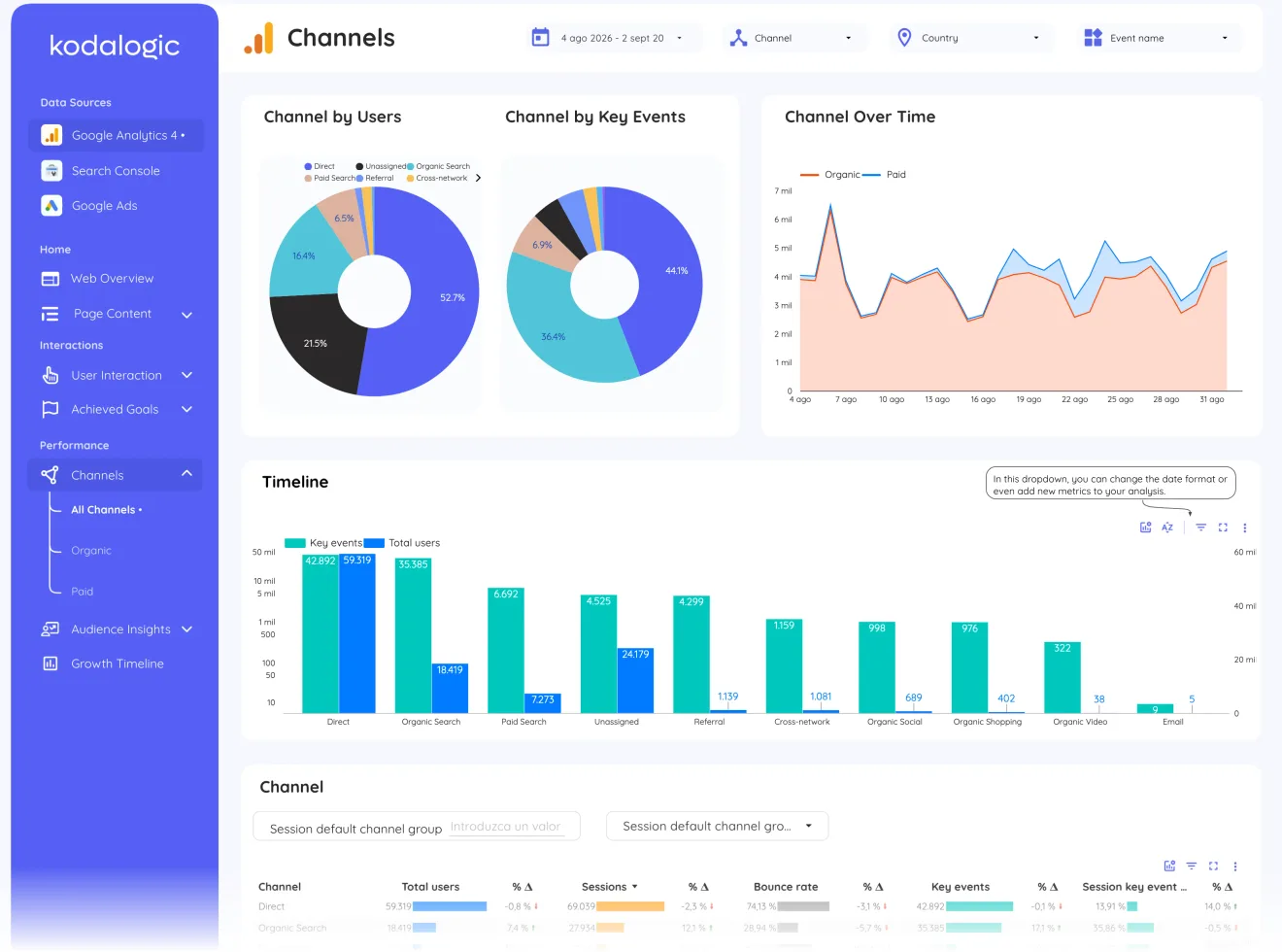
Channels, page 9Organic, paid, direct, referral and social in one table with users, key events and revenue per channel: the single view where the three modules meet and budget decisions get made.
What every dashboard includes
Whichever one you pick.
8 to 35 report pages
Overview, acquisition, behaviour and conversion pages, already designed. No blank canvas.
Connected in minutes
Copy the template, point it at your own data sources and the whole report fills in.
Lifetime updates
When Google changes a field or we improve a page, you get the new version.
Setup guide and support
A step-by-step guide with every purchase, and a real person if something does not connect.
The team agencies hire to build their dashboards
Six dashboards, one team, one design system.
- 4.97 / 5
across 100 verified reviews, 94 of them five stars, from clients in 27 countries who hired us to build their Looker Studio dashboards
Read every review - 85 fields
documented across Google Search Console, Google Analytics 4 and Google Ads, one definition each, so you know what every number in the report means
Open the Google Analytics 4 reference - Lifetime
updates and a setup guide with every dashboard, from the same team that built it
Docs, delivery and setup - 329,000+
reads on our Looker Studio guides, written by the people who build the dashboards
Read the guides
None of them fits exactly?
Tell us which sources you use and what you need to see, and we build it. Custom dashboards are where our reviews come from. Build a custom template or read the short guide on choosing.