Data Studio · Concept
What is Automated reporting?
Automated reporting is the practice of connecting a report directly to its data sources so it fills and refreshes itself, replacing the manual cycle of exporting data, pasting it into slides and rebuilding charts each period.
- Sources
- Template
- Scheduled PDF
- Inbox, Monday 8:00
The schedule replaces the person who used to export.
Connect once; from then on the report fills itself every time it opens.
- Data source
- Data Studio
- Type
- Concept
Why it matters
In Data Studio (formerly Looker Studio) the automation is the connection itself: once a template is linked to GA4, Search Console or Google Ads, the same shared link always shows current data, and email delivery can be scheduled on top.
How to read it
The measurable payoff is time: agencies commonly spend hours per client per month assembling manual reports, and automation reduces that to reviewing numbers that are already assembled. It also removes copy-paste errors: the report reads from the source of truth instead of from a spreadsheet snapshot. The trade-off to watch is silent breakage: a revoked account permission stops the refresh, so automated setups still need someone opening the report regularly.
In a Data Studio report
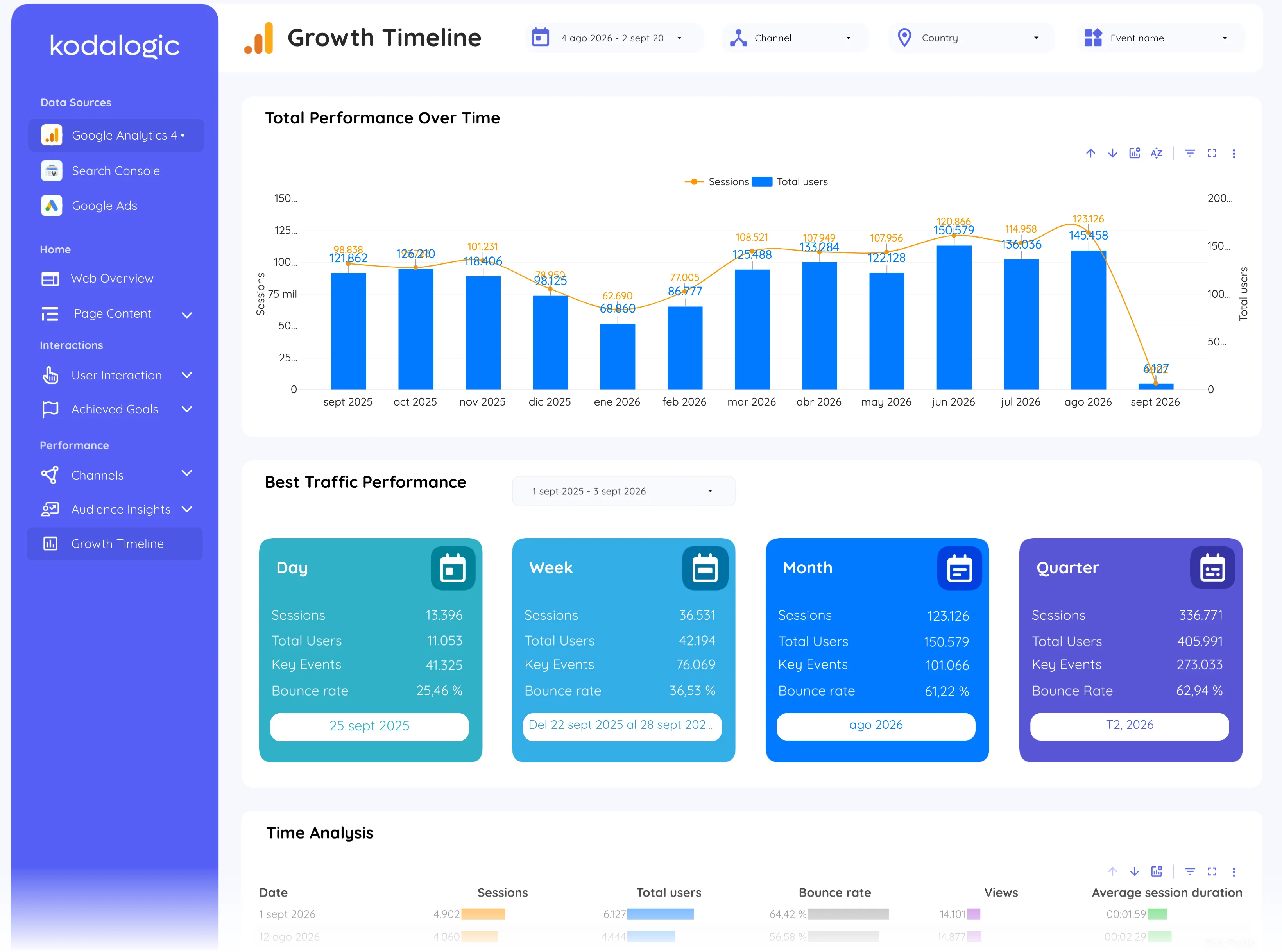
In Data Studio, automation means the report is connected once and then left alone: data refreshes on open, scheduled email sends a snapshot on a fixed day, and the shared link always shows current numbers. The one-time setup replaces a recurring monthly assembly job for every client.
Where to find it in Google
Data Studio: File, then Schedule email delivery on any report; Google Analytics 4 and Search Console have no scheduled report of their own.