Google Ads · Metric
What is ROAS (return on ad spend)?
ROAS is revenue attributed to advertising divided by the cost of that advertising. A ROAS of 4 means every unit of currency spent returned four in tracked revenue.
$5 back for every $1 spent: a ROAS of 5.
- Data source
- Google Ads
- Type
- Metric
- API field
- conversions_value / cost
- Formula
- ROAS = conversion value / ad spend
Why it matters
It is the anchor metric of paid-media reporting, usually read per campaign and per channel; a blended ROAS across all campaigns hides which ones actually pay.
How to read it
In practice ROAS depends entirely on attribution: the same campaign shows different returns under last-click and data-driven models, so a ROAS number without its attribution model is incomplete. Break-even ROAS also varies with margin: a 3x ROAS is profit for a software product and a loss for thin-margin retail. It is a revenue ratio, not profit: a complete reading subtracts product costs, which is why teams often track POAS (profit on ad spend) beside it.
In a Data Studio report
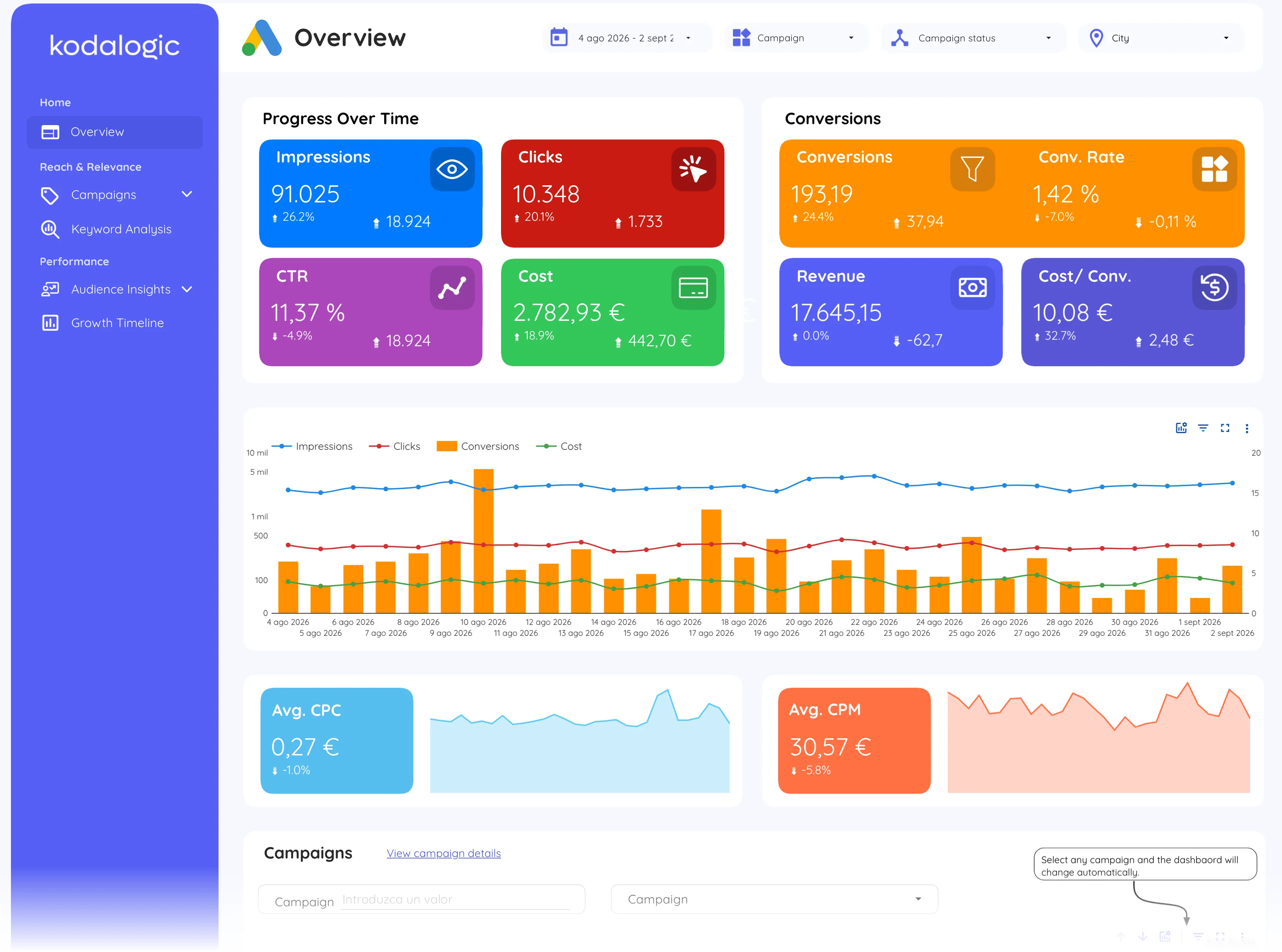
Paid-media dashboards show ROAS per campaign in a sortable table with spend, conversions and revenue beside it, plus a trend line to catch decay early. Reading it per campaign rather than blended is the point: the table makes the loss-making campaigns impossible to miss.
Where to find it in Google Ads
Google Ads: Campaigns, then the Conv. value / cost column (add it under Columns, Conversions); Google Analytics 4: Advertising, then Performance.