Google Ads · Dimension
What is Campaign name?
Campaign name is the label given to an advertising campaign, used as a dimension to group spend, clicks and conversions in Google Ads and, through the utm_campaign tag, to attribute sessions to that campaign in Google Analytics 4.
| Campaign | Cost | Conversions | ROAS |
|---|---|---|---|
| Brand – Search | $1,240 | 38 | 7.9 |
| Templates – Search | $2,610 | 27 | 3.4 |
| Remarketing – Display | $980 | 7 | 2.1 |
| Competitors – Search | $590 | 2 | 0.8 |
One row per campaign, with what it spent and what came back.
- Data source
- Google Ads
- Type
- Dimension
Why it matters
It is the key that joins two systems that do not otherwise talk: Google Ads knows what you paid, GA4 knows what the visitor did afterwards, and the campaign name is what lets a report put cost and outcome on the same row.
How to read it
The join only works if the names match, so the practical rule is a naming convention decided once (channel, market, objective, date) and applied everywhere, including the utm_campaign value. Renaming a campaign mid-flight splits its history in GA4 into two rows.
In a Data Studio report
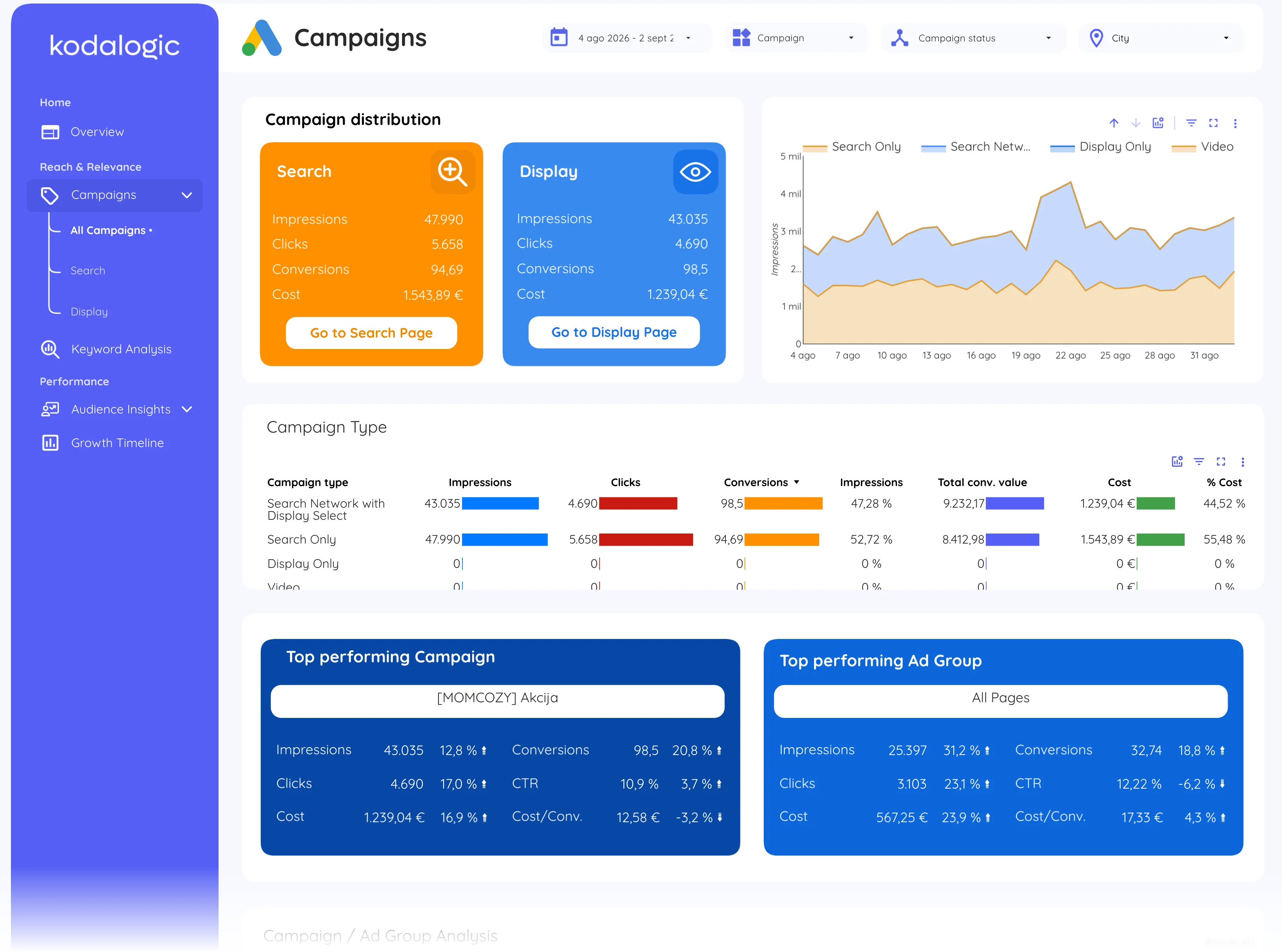
In a Data Studio (formerly Looker Studio) report campaign name is the first column of the campaigns table: cost, clicks, conversions, cost per conversion and ROAS per campaign, sortable, with a filter to isolate one campaign across every page of the report.
Where to find it in Google Ads
Google Ads: Campaigns (the first column); Google Analytics 4: Reports, then Acquisition, then Traffic acquisition, with the dimension Session campaign.