Google Search Console · Metric
What is CTR (click-through rate)?
CTR is clicks divided by impressions, expressed as a percentage: the share of times a listing was shown that ended in a click. In organic search it falls steeply with position: top results earn a large multiple of the CTR of results further down.
3 clicks out of 100 impressions is a CTR of 3%.
- Data source
- Google Search Console
- Type
- Metric
- API field
- ctr
- Formula
- CTR = clicks / impressions × 100
Why it matters
A low CTR at a good position usually points at the snippet (title and description) or at the query being answered directly on the results page, not at the ranking itself.
How to read it
As a rule of thumb measured across industries, the first organic result takes a disproportionate share of clicks and CTR decays steeply through the rest of page one. Comparing a page's CTR against the typical CTR for its position is the practical use: a page below the curve has a snippet problem, not a ranking problem.
In a Data Studio report
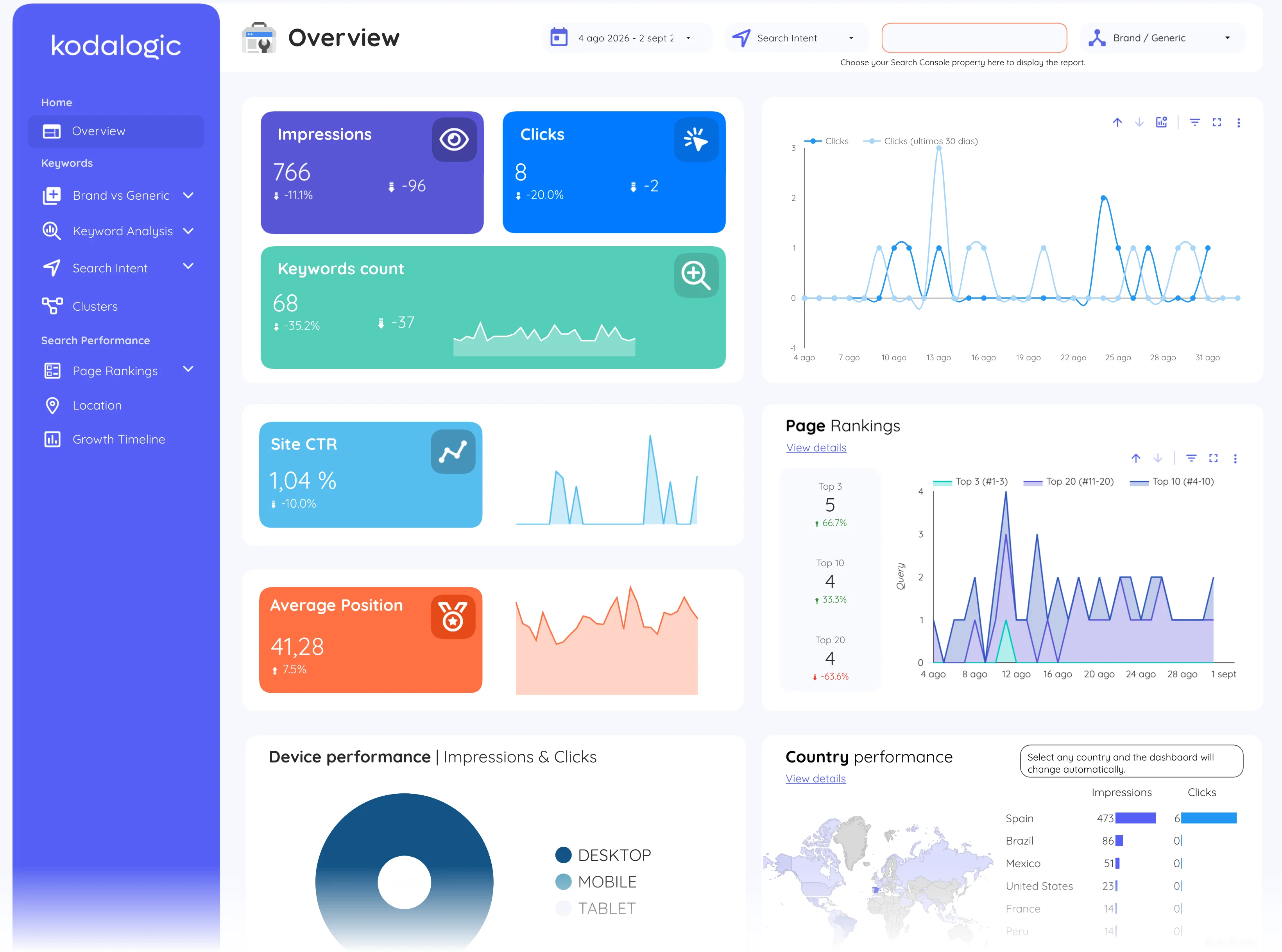
Dashboards show CTR as a scorecard and as a column in the query table, where it becomes actionable: sort queries by impressions, look at the CTR of each position, and the rows with high visibility but weak CTR are the pages whose titles and descriptions deserve a rewrite first.
Where to find it in Google Search Console
Search Console: Performance, then Search results, with the Average CTR card enabled; Google Ads: Campaigns, then the CTR column.