Google Search Console · Concept
What is Page indexing?
Page indexing is the step in which Google stores a page in its search index after crawling it, which is what makes the page eligible to appear in search results. A page that is not indexed cannot rank, however good it is.
- Discovered
- Crawled
- Indexed
- Ranking
Search Console reports each stage per URL.
A page is found, then crawled, then indexed; only then can it rank.
- Data source
- Google Search Console
- Type
- Concept
Why it matters
Search Console reports it in the Page indexing report: how many pages are indexed and, for the rest, the reason, such as "Crawled, currently not indexed", "Discovered, currently not indexed", a noindex tag, a redirect or a duplicate with a different canonical.
How to read it
Not indexed is not always a problem: redirected pages, paginated duplicates and pages you marked noindex are supposed to be there. The number to watch is indexed pages against the pages you actually want found, and new pages normally take days, sometimes weeks, so a fresh URL missing from the index is not yet a defect. What is a defect is a page that earned impressions last month and shows zero now.
In a Data Studio report
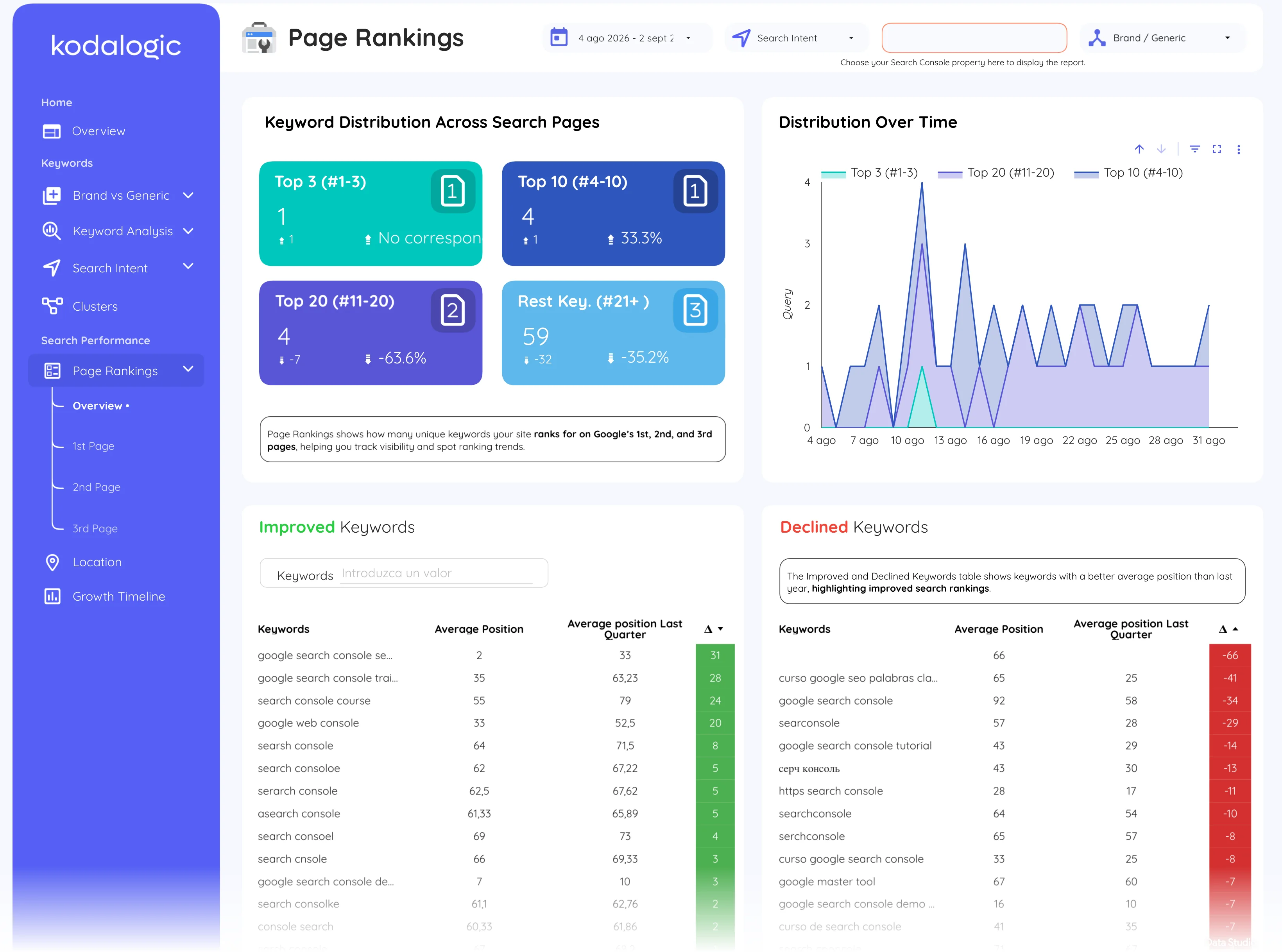
The Search Console connector for Data Studio (formerly Looker Studio) exposes search performance, not the index coverage report, so dashboards approximate indexing with the pages that received at least one impression in the period, tracked over time. A page that drops out of that list is the earliest signal that it has left the index.
Where to find it in Google Search Console
Search Console: Indexing, then Pages (the indexed and not indexed counts with their reasons); one URL at a time with the URL inspection tool.