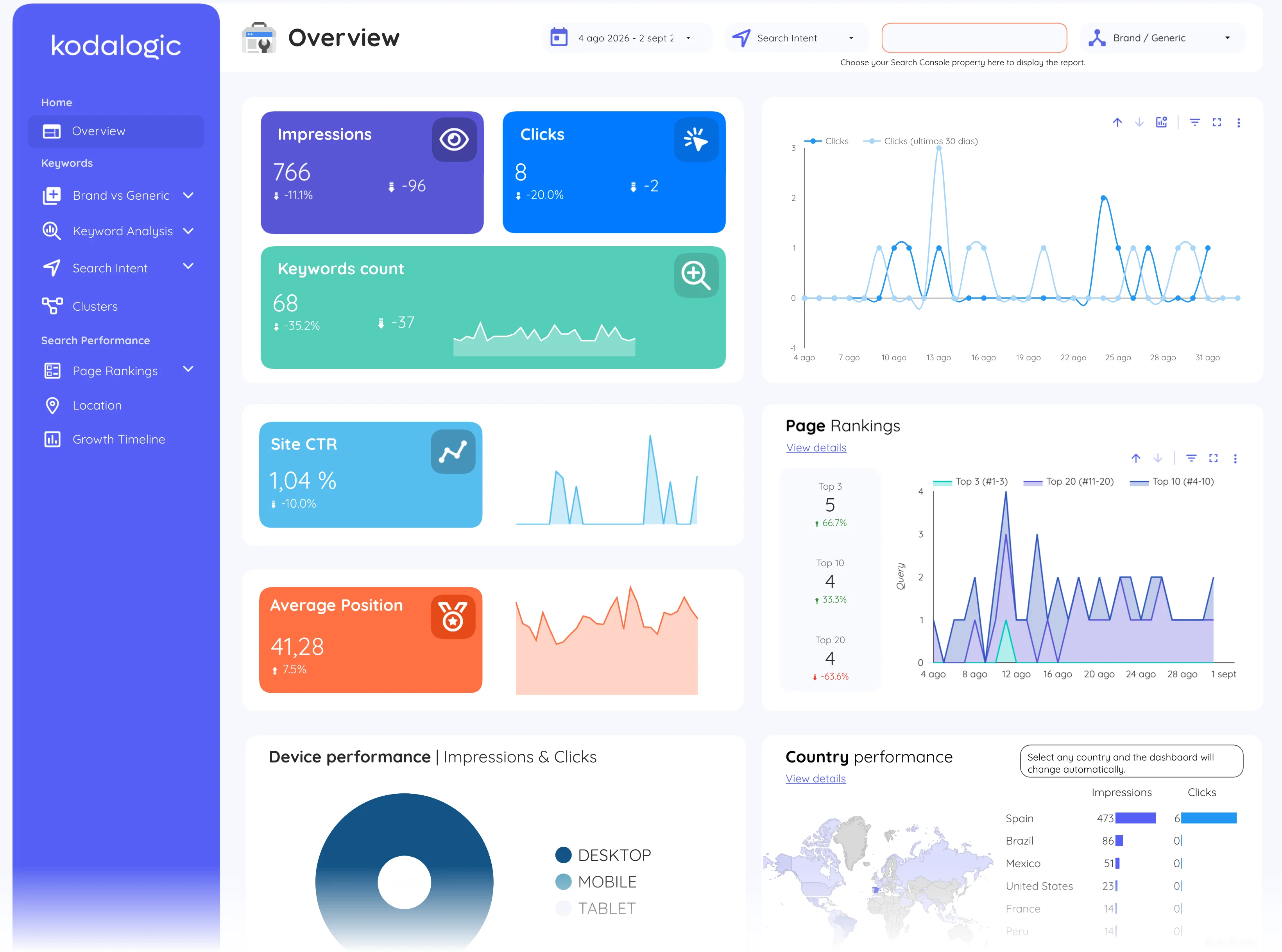
Google Search Console · Metric
What is Impressions?
An impression is counted each time a link to a site appears in a search results page a user views, whether or not it is clicked. Impressions measure visibility; clicks measure the visits that visibility produced.
One impression each time a result is shown, clicked or not.
- Data source
- Google Search Console
- Type
- Metric
- API field
- impressions
Why it matters
A page can accumulate large impression counts at deep positions without being seen: the result technically appeared on a page the user opened, far below what they scrolled to.
How to read it
Impressions are counted per search results page, so ranking on page one multiplies them: a jump in impressions often signals that pages moved from page two into the top ten, before clicks follow. A rise in impressions with flat clicks is not failure: it is the visibility arriving ahead of the traffic, and the CTR gap shows where to work. Search Console reports them per property, so the same query can register impressions for several of a site's pages at once, each at its own position.
In a Data Studio report
Reports usually pair an impressions time series with the clicks series on the same chart: growing impressions with flat clicks reveals visibility that has not yet converted into traffic, and the CTR column shows exactly which queries hold that unclaimed potential. A filter that excludes brand terms keeps the impression counts honest.
Where to find it in Google Search Console
Search Console: Performance, then Search results (the Total impressions card); per query and per page in the tabs below.