Search Console + GA4 · Concept
What is SEO report?
An SEO report is a periodic summary of a site’s organic search performance: how visible it was, which queries and pages earned that visibility, and how both changed against the previous period. Agencies typically deliver one per client per month.
- Search Console
- GA4
- SEO report
- Client
One date range and one set of filters across both sources.
Search Console and GA4 read together: what Google showed, and what visitors did.
- Data source
- Search Console + GA4
- Type
- Concept
Why it matters
The metrics that anchor it are impressions, clicks, CTR and average position from Search Console, often joined with engagement and conversion data from GA4.
How to read it
The recurring failure of SEO reports is listing metrics without reading them: a table of impressions says nothing until it is compared against the previous period and split by brand and generic queries. A useful report answers three questions, what changed, why, and what will be done about it, in that order. Most agencies deliver it monthly, aligned with the billing cycle, with a quarterly deep-dive that looks at trends too slow to see month to month.
In a Data Studio report
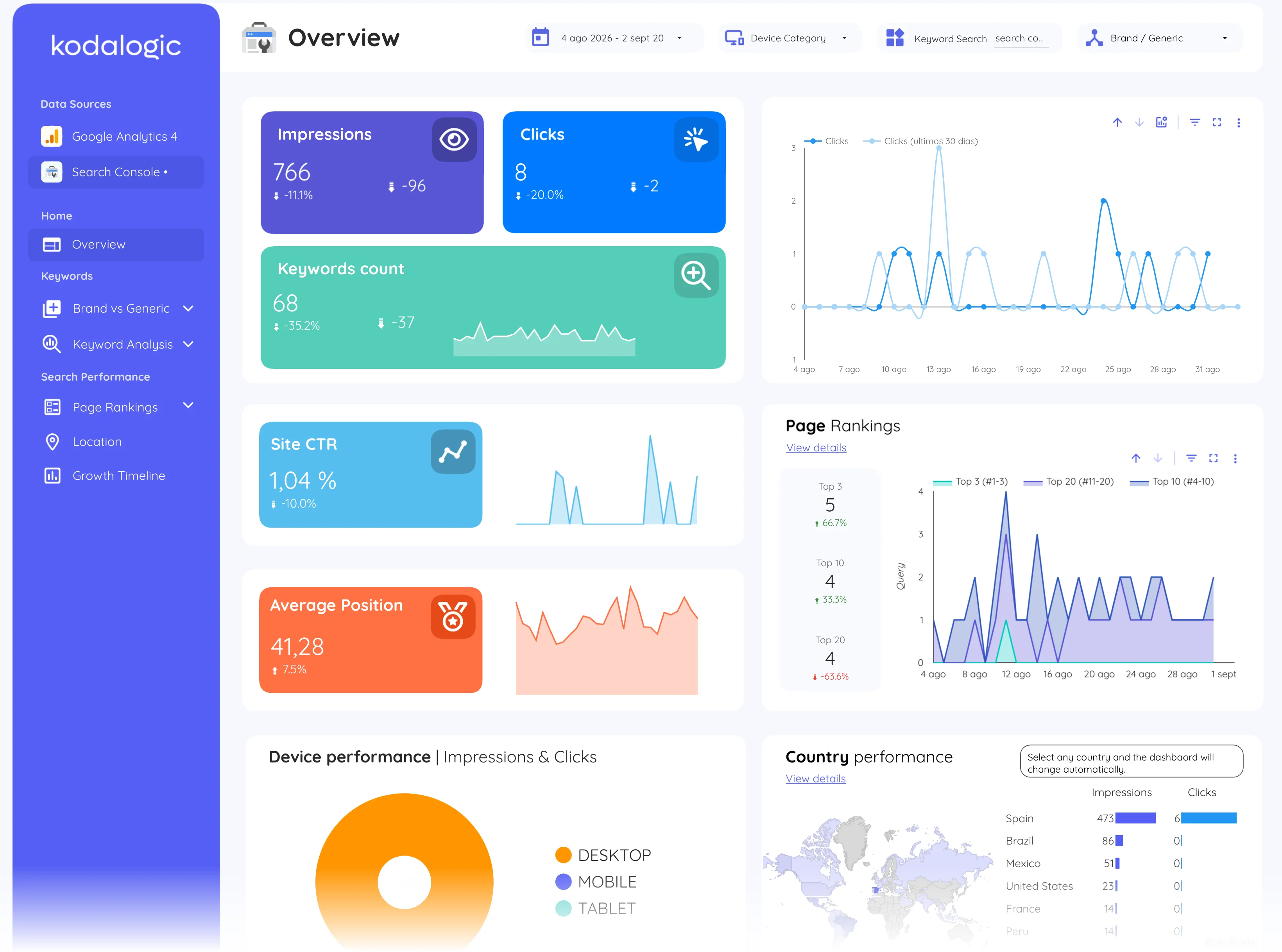
In Data Studio (formerly Looker Studio) the report is a live page rather than a document: scorecards with period-over-period comparison at the top, then query and page tables, then engagement data from GA4. Scheduled email delivery can send a PDF snapshot each month while the online version stays interactive and current.
Where to find it in Google
Search Console: Performance, then Search results, compared with the previous period using the date control; the report assembles it with Google Analytics 4 organic traffic.