Search Console + GA4 · Concept
What is SEO dashboard?
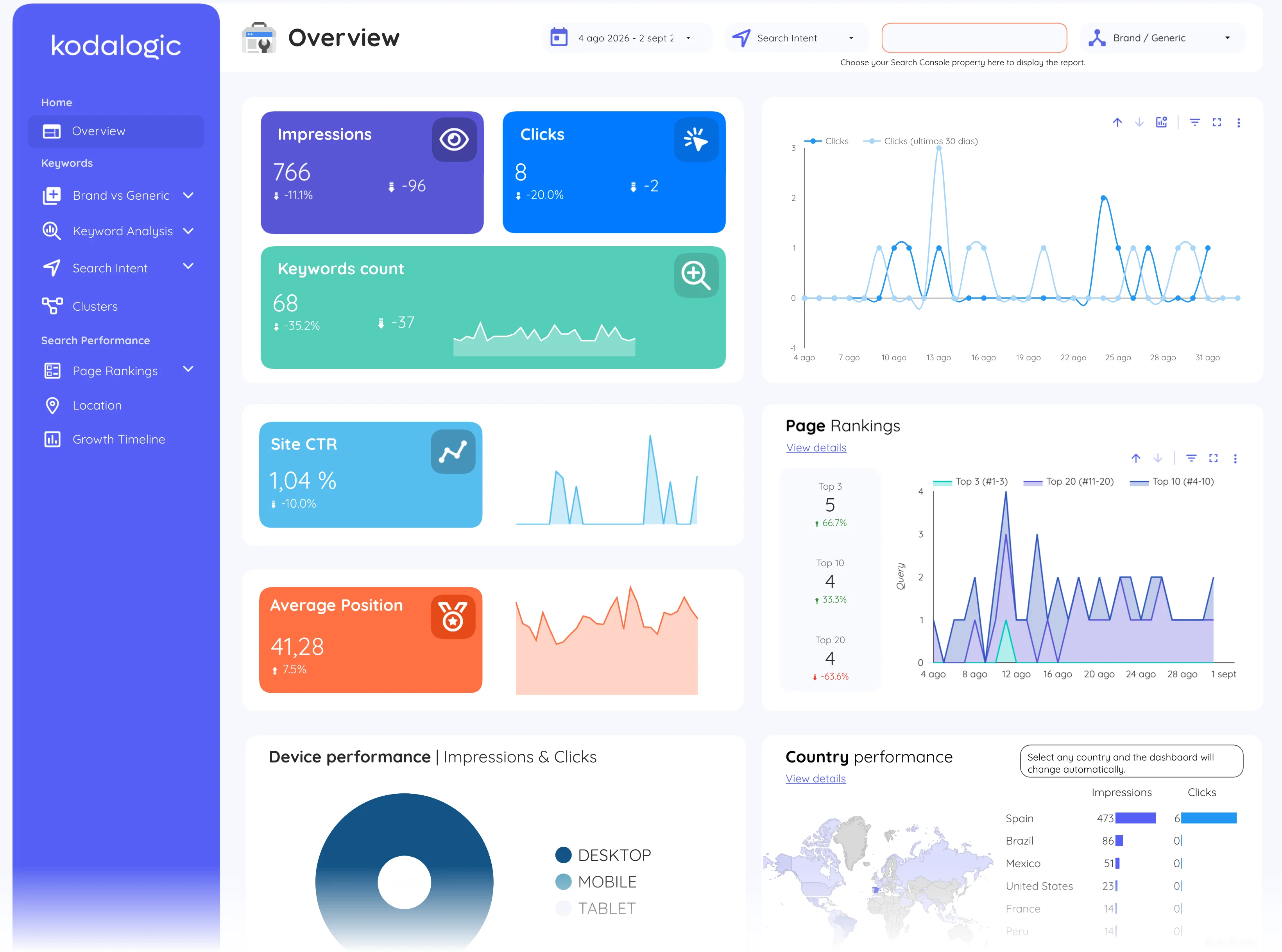
An SEO dashboard is a live report that gathers a site’s organic search metrics, impressions, clicks, average position, CTR and keyword rankings, in one view, refreshed automatically from sources like Google Search Console and Google Analytics 4.
- Search Console
- GA4
- Dashboard
- Team
Refreshes on open; nobody exports anything.
Live pages instead of a monthly document: the same questions, always current.
- Data source
- Search Console + GA4
- Type
- Concept
Why it matters
Unlike a one-off report, a dashboard stays connected to its data sources, so the same link always shows current numbers; which is what makes it shareable with a client or a team.
How to read it
In practice the dashboard is only as good as its segments: separating brand from generic queries, and top pages from the long tail, is what turns a wall of charts into answers. Most teams build theirs on Data Studio (formerly Looker Studio) because Search Console and GA4 connect natively and the report can be shared as a link that always shows current data.
In a Data Studio report
A typical layout leads with scorecards for clicks, impressions, CTR and average position, followed by a traffic time series, a top-queries table and a top-pages table. Filters for country, device and brand terms let one dashboard answer most follow-up questions without exporting anything to a spreadsheet.
Where to find it in Google
Search Console: Performance for search data; Google Analytics 4: Reports, then Acquisition, then Traffic acquisition, filtered to Organic Search.