Google Analytics 4 · Metric
What is Sessions?
A session is a group of interactions one user has with a website within a period of time; in Google Analytics 4 it starts with a session_start event and ends after 30 minutes of inactivity. Sessions count visits, not people: one user can have many sessions.
One visit is one session; the same person can open several.
- Data source
- Google Analytics 4
- Type
- Metric
- API field
- sessions
Why it matters
It is the unit most reports are built on. Sessions per channel, per landing page, per country, per day: almost every table in a web analytics dashboard has sessions as its first metric, because it answers "how many visits" before anything else.
How to read it
GA4 does not start a new session at midnight or when the campaign source changes, both of which Universal Analytics did, so session counts are lower than the old ones for the same traffic. And because GA4 estimates sessions from the session_id parameter, small differences against other tools are normal, not a bug.
In a Data Studio report
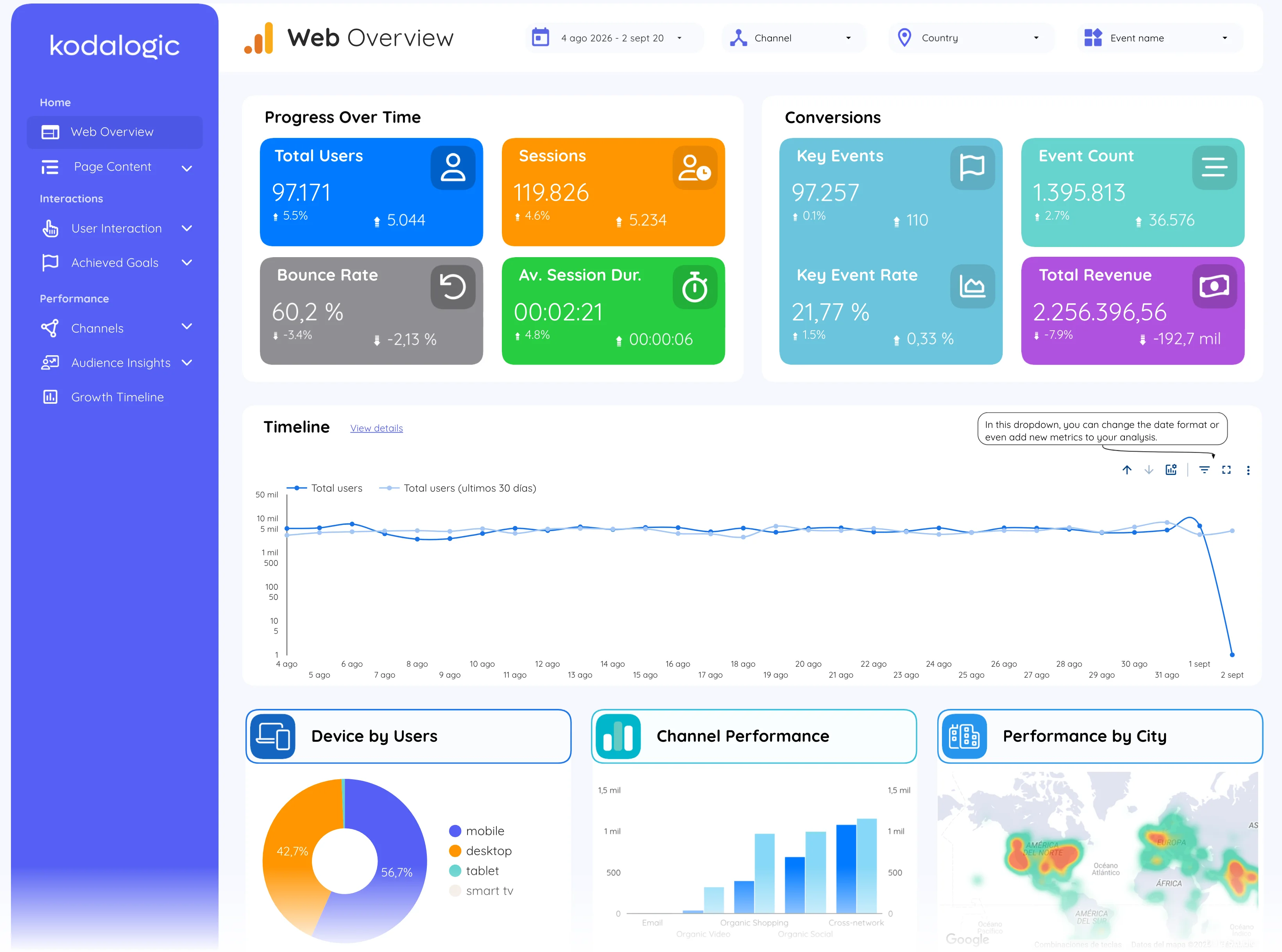
In a Data Studio (formerly Looker Studio) report sessions is the headline scorecard of the overview, the y-axis of the traffic timeline, and a column in every breakdown table. Read it next to total users: the ratio tells you how often the same people come back.
Where to find it in Google Analytics 4
Google Analytics 4: Reports, then Acquisition, then Traffic acquisition (the Sessions column); the total under Reports snapshot.