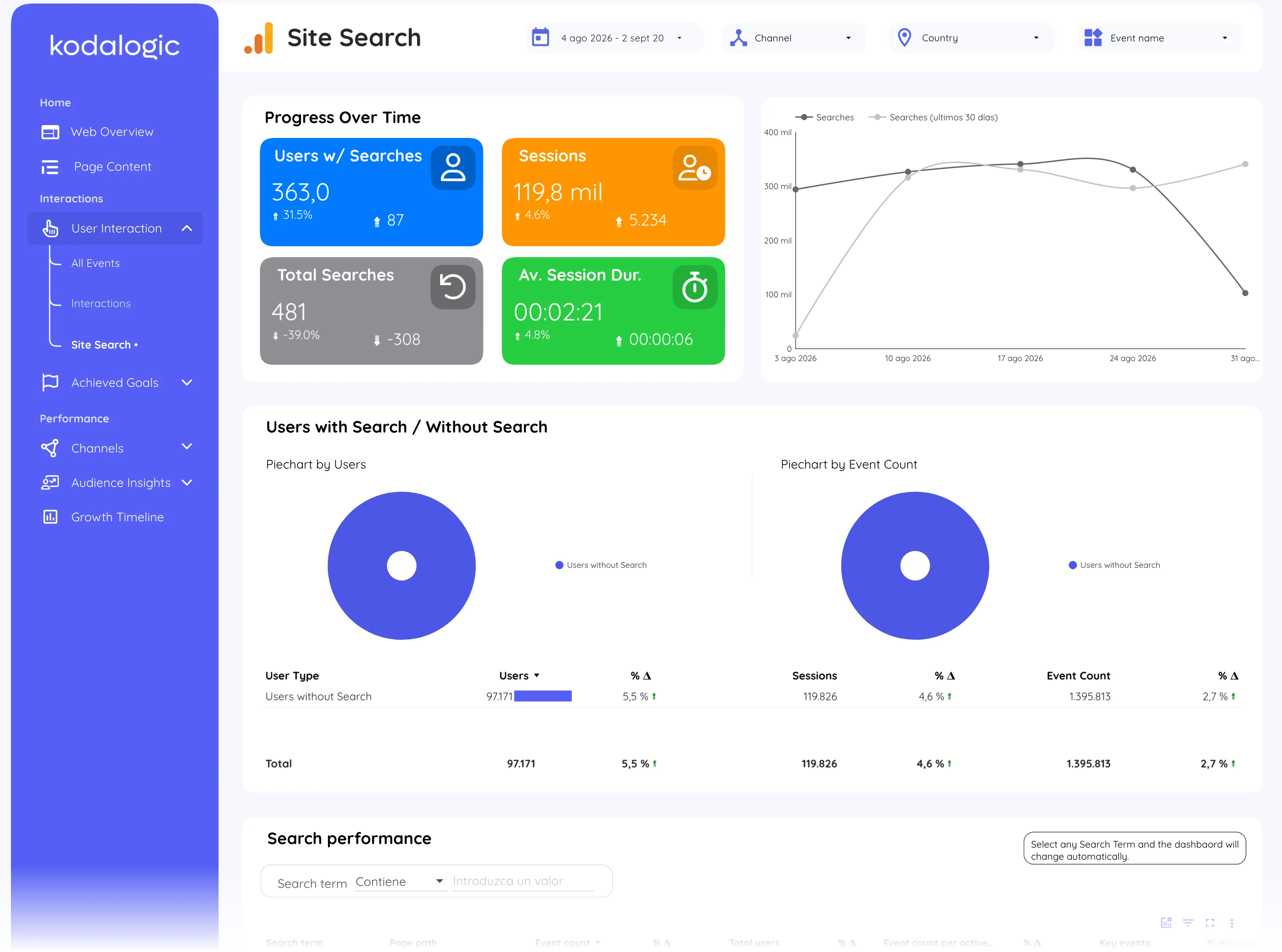
Google Analytics 4 · Feature
What is Site search?
Site search is the search box inside a website, and in Google Analytics 4 it is measured through the view_search_results event, which records the term the visitor typed as the search_term parameter.
| Search term | Searches | Users | Key events |
|---|---|---|---|
| pricing | 412 | 380 | 19 |
| ga4 template | 268 | 241 | 14 |
| refund | 96 | 91 | 2 |
| demo | 84 | 80 | 6 |
What visitors type into your own search box, and how often.
- Data source
- Google Analytics 4
- Type
- Feature
Why it matters
What people type into your own search box is demand in their words: products you do not sell, pages they cannot find, names they use that you do not. It is the cheapest keyword research a site can run.
How to read it
It needs three things to work: enhanced measurement switched on in the data stream, the query parameter your site uses (q, s, search, keyword) listed in the site search settings, and search_term registered as a custom dimension so it can be used in reports. Without the last step the event is counted but the terms are invisible.
In a Data Studio report
In a Data Studio (formerly Looker Studio) report site search is a table of search terms with how often each was searched, how many visitors searched at all, and what those sessions went on to do: the conversion rate of sessions with a search against sessions without is usually the most persuasive chart in the whole report.
Where to find it in Google Analytics 4
Google Analytics 4: Admin, then Data streams, then Enhanced measurement, then Site search to enable it; the terms under Reports, then Engagement, then Events, event view_search_results.