Google Analytics 4 · Metric
What is Bounce rate?
Bounce rate in Google Analytics 4 is the percentage of sessions that were not engaged: sessions that lasted under 10 seconds, had no key event and had fewer than two page views. It is the exact inverse of engagement rate.
Bounce rate is what is left when you take engagement rate away from 100%.
- Data source
- Google Analytics 4
- Type
- Metric
- API field
- bounceRate
- Formula
- Bounce rate = 100% minus engagement rate
Why it matters
It is not the old bounce rate. In Universal Analytics a bounce was any single-page visit, however long; in GA4 a visitor who reads one page for a minute is engaged, not bounced. The same site shows a much lower bounce rate in GA4 for the same behaviour.
How to read it
Compare it only within GA4 and within the same engagement threshold (the 10 seconds can be raised to 60 in the data stream). A high bounce rate on a page that answers a question in one screen can be a success; on a landing page built to lead somewhere, it is the number to fix.
In a Data Studio report
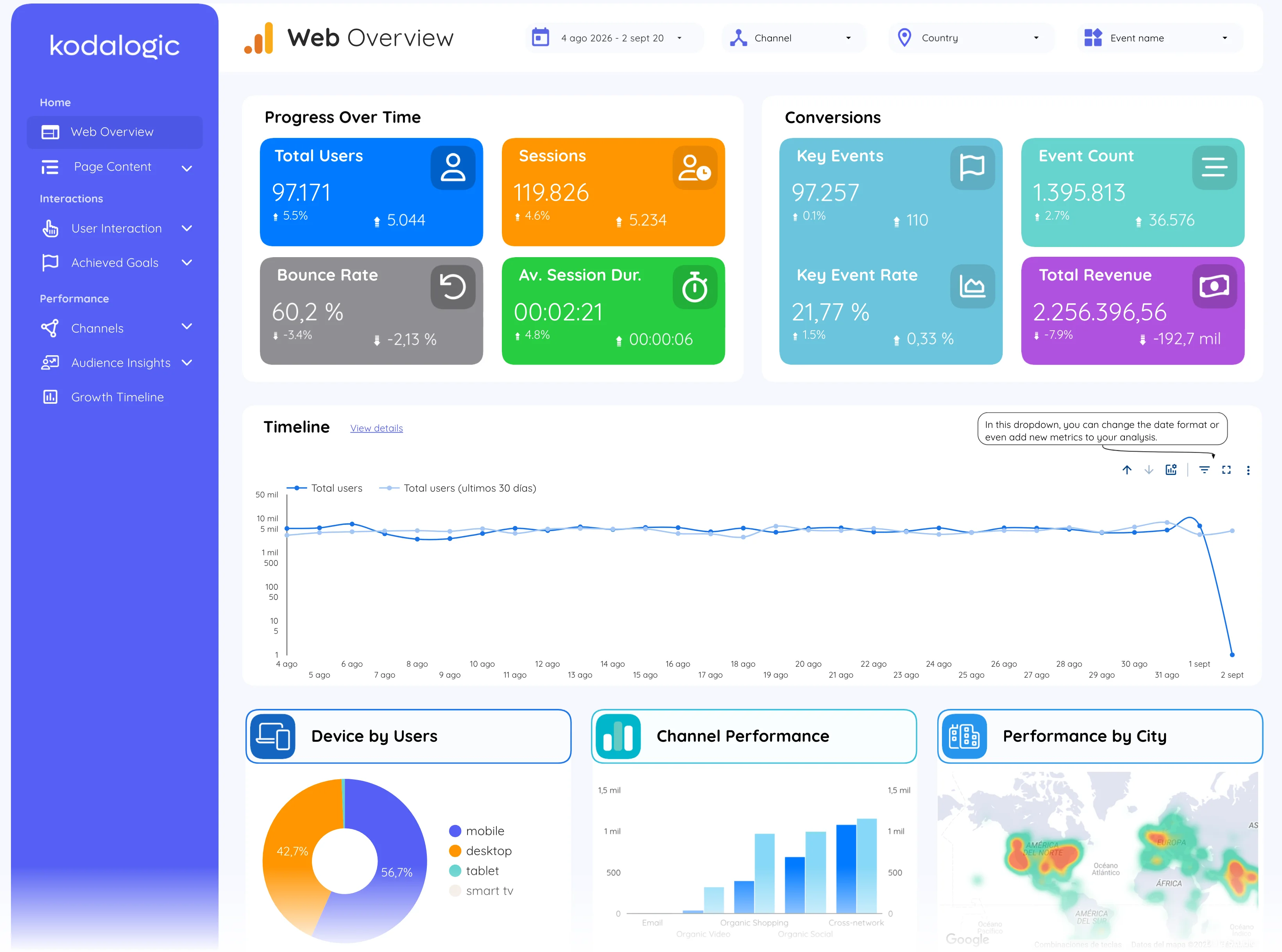
In a Data Studio (formerly Looker Studio) report bounce rate sits on the overview and in the content, landing page and channel tables. The useful chart is bounce rate against sessions per landing page: the pages that get the most traffic and keep the least of it are where the work is.
Where to find it in Google Analytics 4
Google Analytics 4: it is hidden by default; add it under Customize report, then Metrics, in any acquisition or engagement report.