Google · Platform
What is Google Data Studio?
Google Data Studio is Google’s free tool for turning data into interactive, shareable reports and dashboards. It was renamed Looker Studio in October 2022 and renamed back to Data Studio in April 2026; both names refer to the same product.
- GA4 · GSC · Ads
- Data Studio
- Live report
- Anyone with the link
Formerly Looker Studio, formerly Google Data Studio: one product.
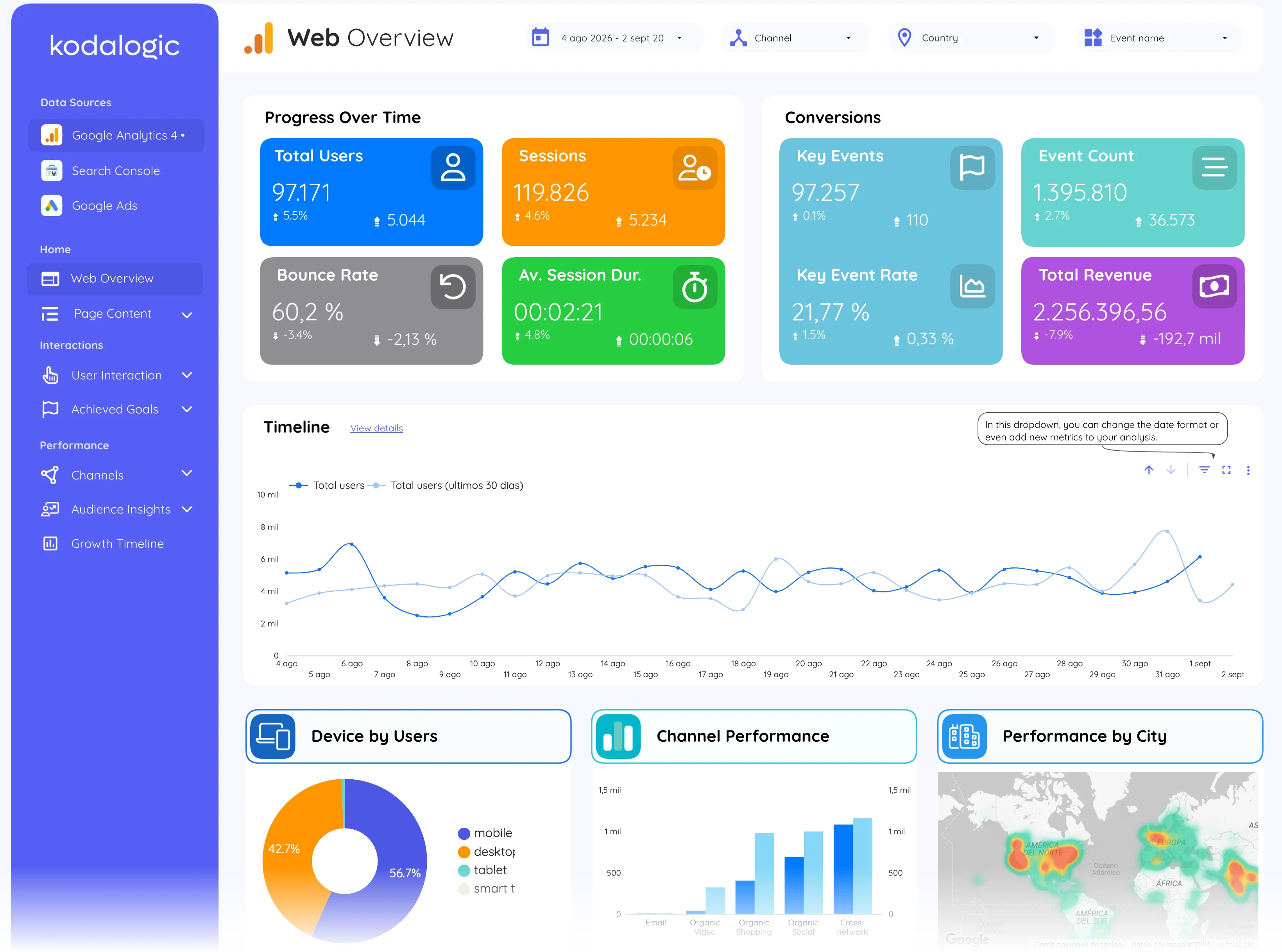
Data Studio connects to your sources and turns them into a live report.
- Data source
- Type
- Platform
Why it matters
It connects natively to Google Analytics 4, Google Search Console, Google Ads and hundreds of other sources, and a report built on it stays live: open the link, see current data. The paid tier is Data Studio Pro. It is a different product from Looker, Google’s enterprise BI platform.
How to read it
In practice the product's renames matter for search: years of tutorials, templates and course material use the Looker Studio name, so both names remain in circulation. Reports built during the Looker Studio years work unchanged; only the branding in Google's interface moved.
In a Data Studio report
In practice a template is a pre-built Data Studio report: copy it, connect your own GA4, Search Console or Google Ads account, and the charts fill with your data in minutes. That copy-and-connect model is why templates became the standard way for agencies to standardise client reporting.
Where to find it in Google
datastudio.google.com (the same reports opened at lookerstudio.google.com during the 2022 to 2026 name period).