Google Search Console · Dimension
What is Search type?
Search type is the Google Search Console dimension that says which kind of Google search produced an impression or click: web, image, video, news, or Discover and Google News as separate traffic types. Reports default to web search, which is where almost all of a typical site's clicks come from.
- Web84%
- Image11%
- Video3%
- News2%
Web, image, video and news are different result sets with different numbers.
- Data source
- Google Search Console
- Type
- Dimension
- API field
- type
Why it matters
It matters because the other types are usually invisible: a site with strong images can earn thousands of image-search impressions that never show in a web-only view, and a publisher can live on Discover without a single query attached to it. Each type is its own surface: web is the classic results page, image is Google Images and the image packs, video is the video tab and video results, news is the News tab, Discover is the feed on the Google app and mobile home screen (no queries, only pages), and Google News is the news.google.com destination.
How to read it
Search type is a filter, not a breakdown: Search Console does not sum the types together, so a report that mixes them without saying so double-counts nothing but also compares nothing. Check the type before comparing two periods, and remember that Discover has no queries, so a Discover view with an empty keyword table is correct.
In a Data Studio report
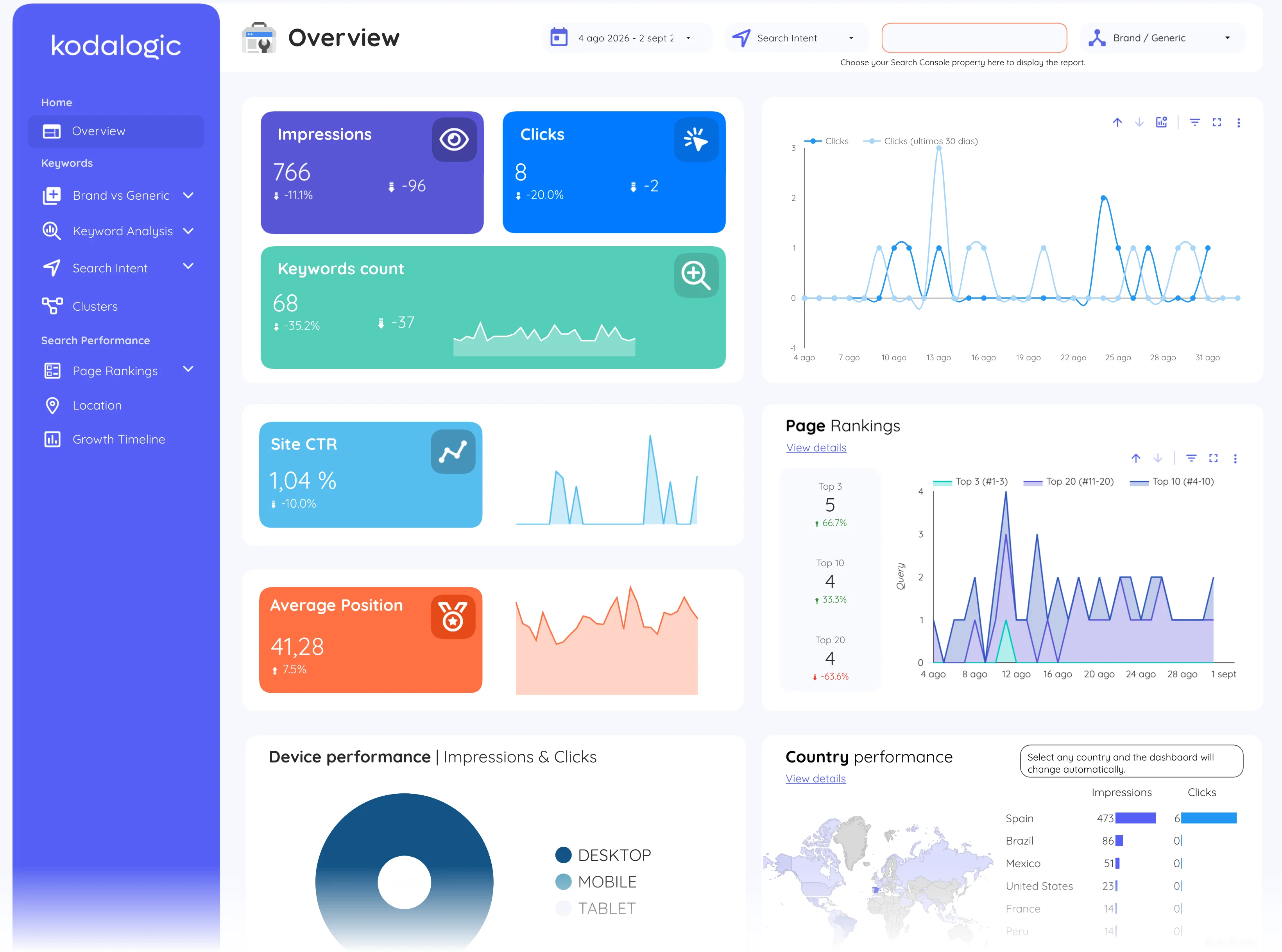
In a Data Studio (formerly Looker Studio) report search type is a control at the top of the Search Console pages, set to web by default, with the same clicks, impressions, CTR and position tables underneath. Switching it to image is the fastest way to find out whether a catalogue is earning visibility it never gets credit for.
Where to find it in Google Search Console
Search Console: Performance, then the Search type selector at the top left (Web, Image, Video, News, Discover, Google News).