Google Analytics 4 · Metric
What is Active users?
Active users are the distinct users who had an engaged session on a website or app during the selected period in Google Analytics 4, or whose visit fired the first_visit or engagement_time event. It is the default user metric in every GA4 report, and the one most people mean when they say "users".
Active users are the people who engaged, not everyone who loaded a page.
- Data source
- Google Analytics 4
- Type
- Metric
- API field
- activeUsers
Why it matters
GA4 has three user metrics: total users (anyone who fired any event), active users (anyone who engaged) and new users (first visit in the period). The interface shows active users by default, so a dashboard that says "users" without saying which one is comparing a number to itself.
How to read it
Because active users excludes the click-and-close visits, it runs a little under total users on most sites; a big gap between the two is a sign of traffic that arrives and leaves. Users are deduplicated by the GA4 client or user ID, so the same person on two devices counts twice unless User-ID is set.
In a Data Studio report
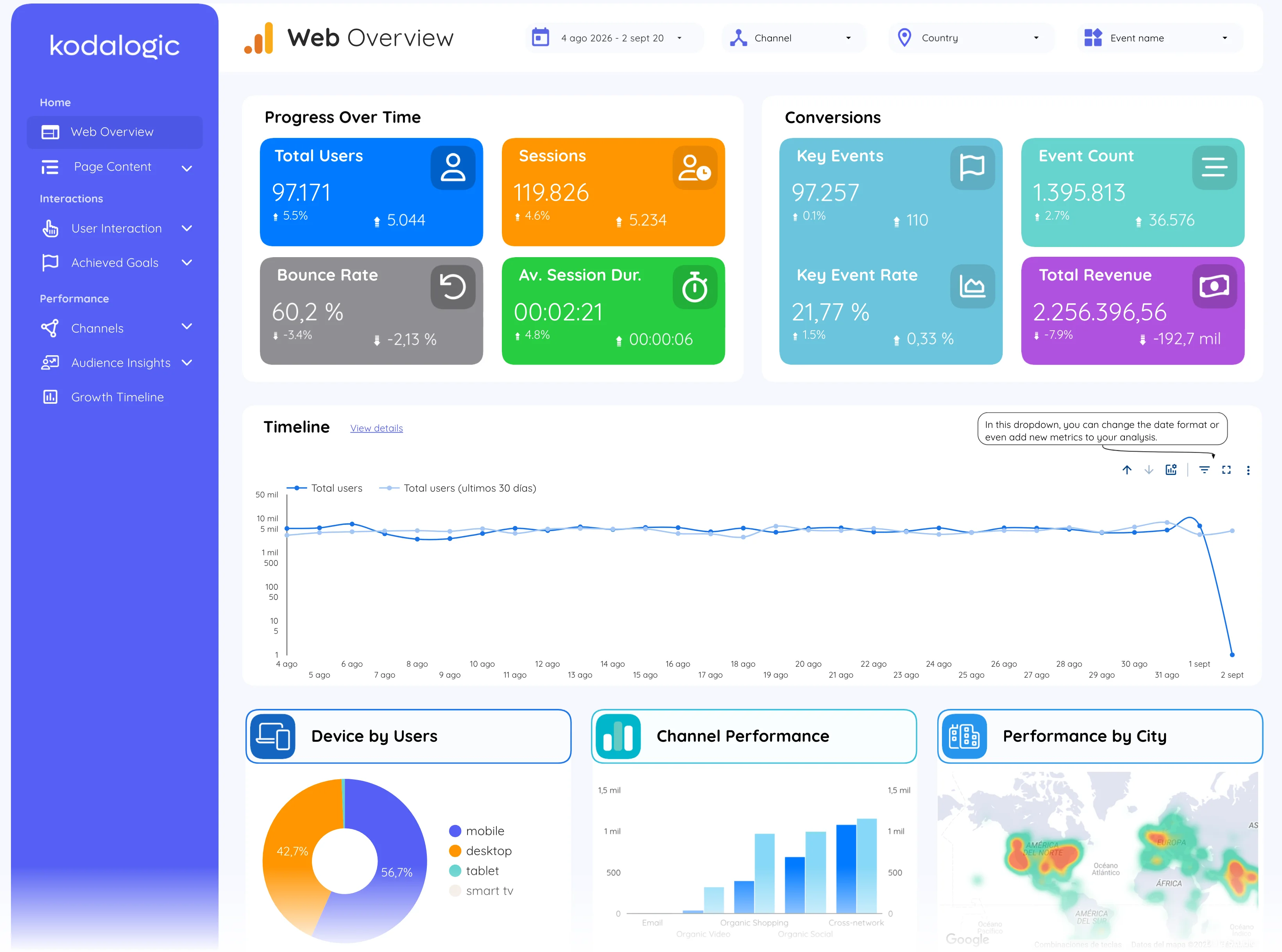
In a Data Studio (formerly Looker Studio) report active users is the first scorecard of the overview, the line on the audience timeline, and the denominator of per-user metrics such as event count per active user. Beside total users it tells whether the site is gaining people or gaining bounces.
Where to find it in Google Analytics 4
Google Analytics 4: Reports, then Reports snapshot (the first card); the full breakdown under Engagement, then Overview, and User, then User attributes.