Google Analytics 4 · Metric
What is Event value?
Event value is the numeric value attached to an event in Google Analytics 4 through the value parameter, summed across all the times the event fired. It is how a non-purchase action, such as a lead form or a demo request, carries a monetary weight into reports.
The value attached to an event, added up: the money side of key events.
- Data source
- Google Analytics 4
- Type
- Metric
Why it matters
Without it, a report can count conversions but not weigh them: ten newsletter sign-ups and ten sales requests look the same. With a value on each key event, GA4 can report the total value by channel, campaign or landing page and compare it with what was spent to get it.
How to read it
The value is whatever the site sends, so it is only as honest as the tagging: an event that sends value: 1 on every fire produces a count, not a value. Set a currency when the value is money, keep the same scale across events, and remember that purchase revenue is reported separately from event value even though both use the value parameter.
In a Data Studio report
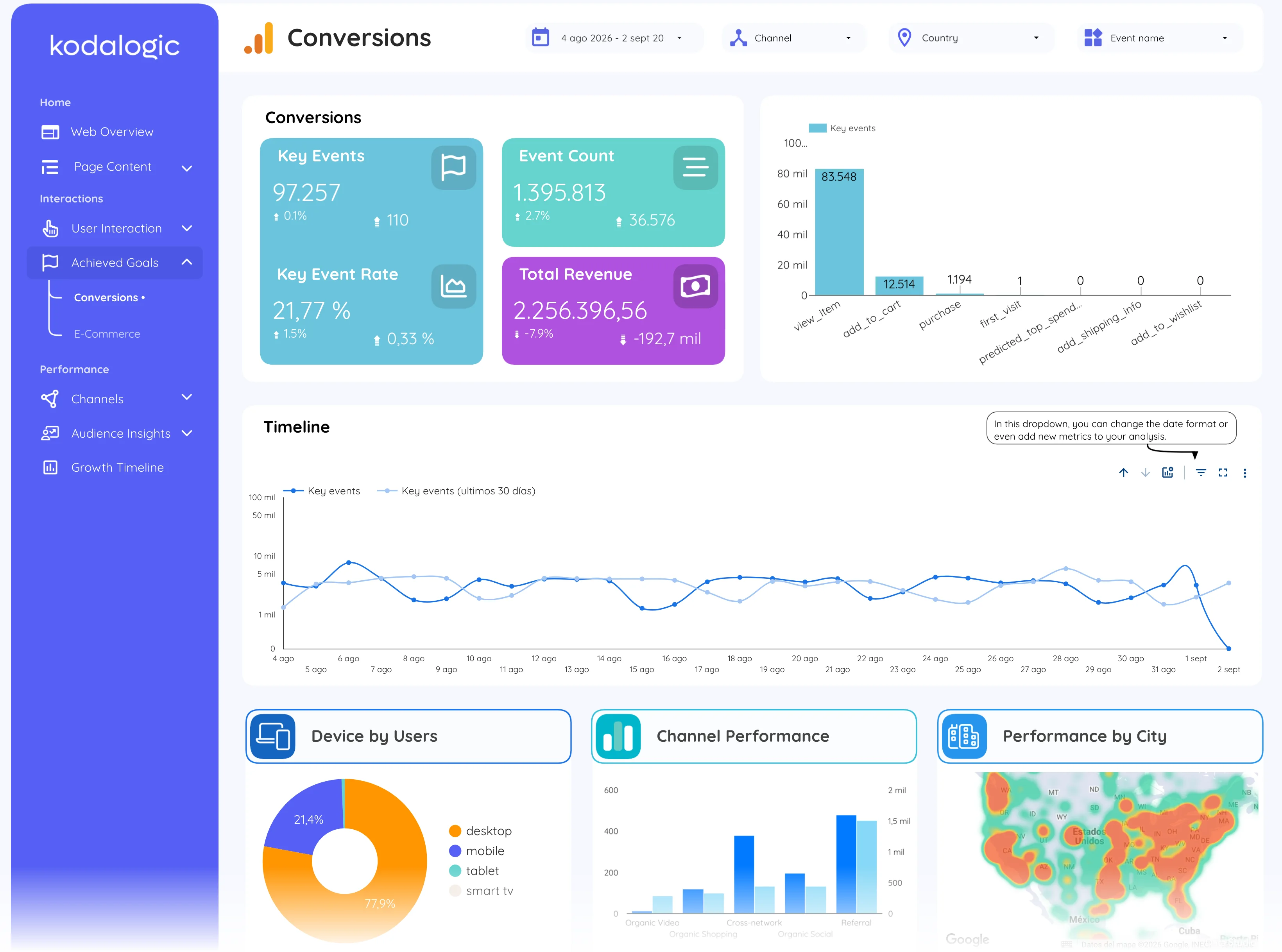
In a Data Studio (formerly Looker Studio) report event value appears as key event value on the conversions page and as a column in the campaign and channel tables, where dividing it by cost gives a return on spend for actions that are not sales.
Where to find it in Google Analytics 4
Google Analytics 4: Reports, then Engagement, then Events (the Event value column); key event value under Reports, then Engagement, then Key events.