Google Analytics 4 · Dimension
What is Source / medium?
Source / medium is the pair of dimensions that describes where a session came from: the source is the site or platform (google, facebook, newsletter) and the medium is the type of traffic (organic, cpc, referral, email). Together they are the raw material the default channel group is built from.
| Source / medium | Sessions | Key events | Rate |
|---|---|---|---|
| google / organic | 6,940 | 198 | 2.9% |
| (direct) / (none) | 2,510 | 61 | 2.4% |
| google / cpc | 1,320 | 72 | 5.5% |
| newsletter / email | 480 | 31 | 6.5% |
Where the visit came from, and how: google / organic, newsletter / email.
- Data source
- Google Analytics 4
- Type
- Dimension
Why it matters
Channels are a summary; source / medium is the detail. When Paid Search grows, source / medium says whether it was google / cpc or bing / cpc; when Referral spikes, it names the site.
How to read it
For anything you control, the pair comes from UTM tags: utm_source and utm_medium. Keep them lowercase and consistent, because "Facebook / Social" and "facebook / social" are two rows to GA4. For organic and referral traffic GA4 fills them in itself.
In a Data Studio report
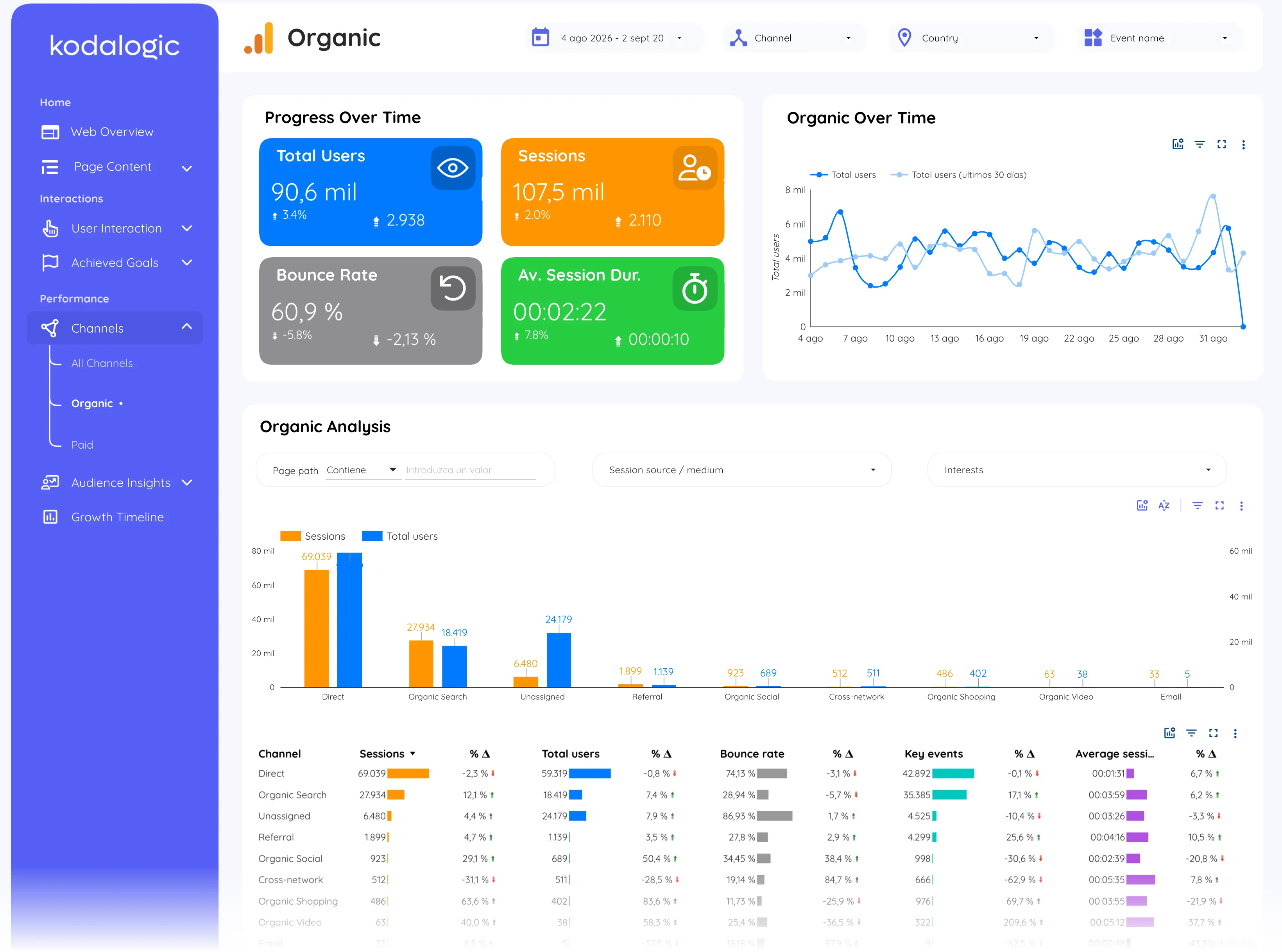
In a Data Studio (formerly Looker Studio) report source / medium is the drill-down table under the channel view, usually filtered to one channel at a time: the organic page lists the search engines, the paid page lists the ad platforms, each with sessions, bounce rate and key events.
Where to find it in Google Analytics 4
Google Analytics 4: Reports, then Acquisition, then Traffic acquisition, switching the dimension to Session source / medium.