Google Analytics 4 · Dimension
What is Device category?
Device category is the dimension that groups visitors by the kind of device they used: desktop, mobile, tablet, or smart TV. Google Analytics 4 derives it from the browser's user agent and client hints, and Google Search Console reports the same idea as device (desktop, mobile, tablet).
- Desktop61%
- Mobile36%
- Tablet3%
Desktop, mobile or tablet: the same report, split three ways.
- Data source
- Google Analytics 4
- Type
- Dimension
- API field
- deviceCategory
Why it matters
It is the split that most often changes a conclusion. A landing page can convert well on desktop and lose everyone on mobile, and the blended number hides both; a keyword can rank third on desktop and eleventh on mobile, where most searches happen.
How to read it
Mobile is the majority of sessions on most consumer sites and a minority on most B2B ones, so a device split without the industry in mind says little. Compare conversion rate and engagement rate per device rather than session counts, and check the mobile rendering of any page whose mobile numbers fall out of line.
In a Data Studio report
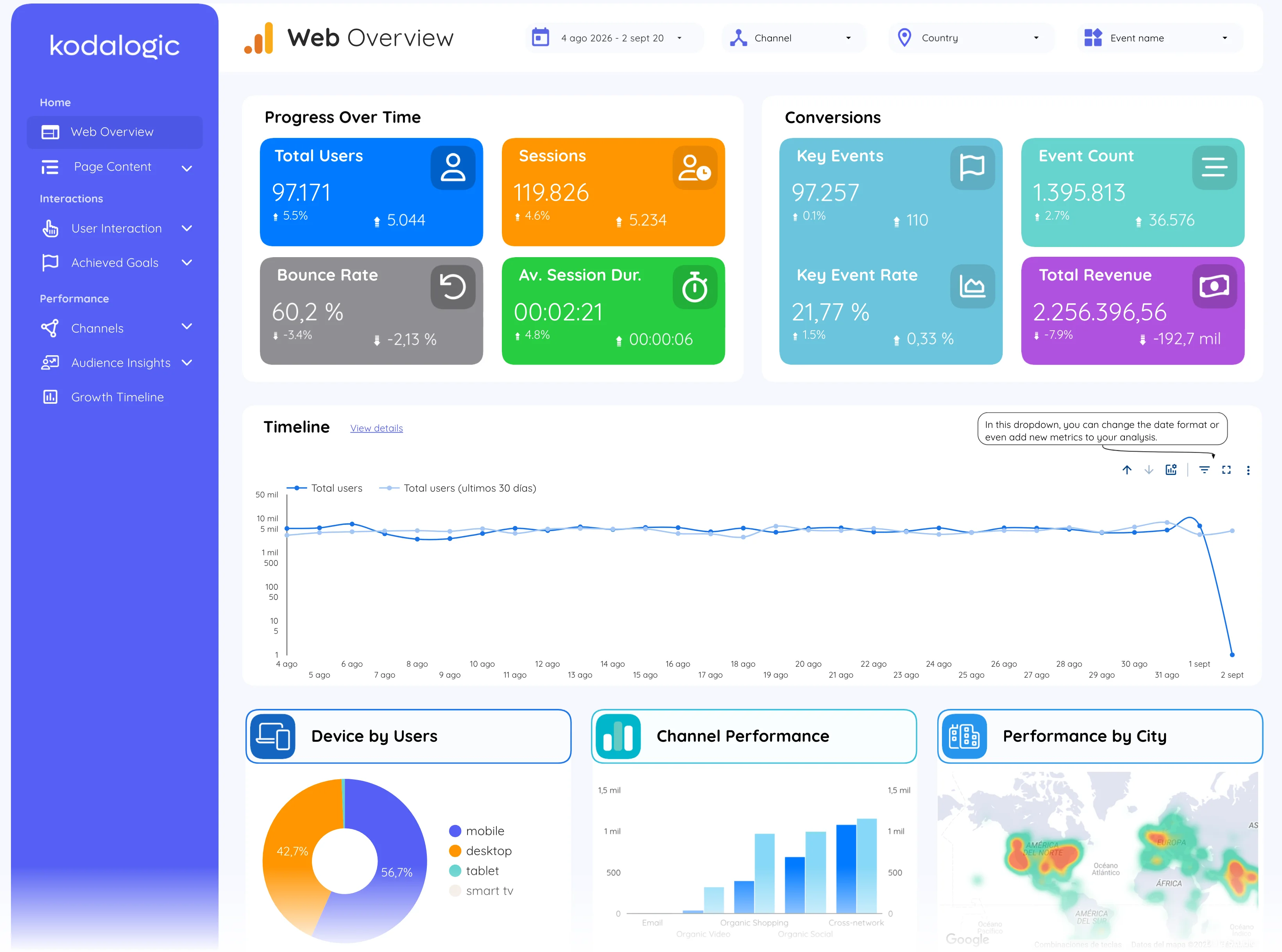
In a Data Studio (formerly Looker Studio) report device category is a donut on the overview, a control that filters every chart, and a column in the conversions and location tables. In the Search Console pages it is the device selector next to search type and country.
Where to find it in Google Analytics 4
Google Analytics 4: Reports, then Tech, then Tech details (dimension Device category); Search Console: Performance, then the Devices tab.