Google Analytics 4 · Dimension
What is Page path?
Page path is the part of a page's URL after the domain and before any query string: /blog/seo-report for https://example.com/blog/seo-report?utm=x. In Google Analytics 4 it is the dimension "page path and screen class", which holds the path for websites and the screen name for apps.
| Page path | Views | Users | Key events |
|---|---|---|---|
| /templates | 6,410 | 4,120 | 210 |
| /blog/seo-report | 3,260 | 2,480 | 64 |
| /compare | 1,980 | 1,510 | 41 |
| /glossary/ctr | 1,120 | 990 | 9 |
The part of the URL after the domain: one row per page.
- Data source
- Google Analytics 4
- Type
- Dimension
- API field
- pagePath
Why it matters
It is the unit content reports are built on. Views, engagement and key events per page path tell which pages carry the site; without the path, a report only knows that something was viewed.
How to read it
Because the query string is stripped, /pricing?ref=email and /pricing are one row, which is usually what you want; but two paths that differ only in a trailing slash or in letter case are two rows, and a site that serves both will split its own numbers. Page title is the readable alternative, and it changes whenever the title tag does.
In a Data Studio report
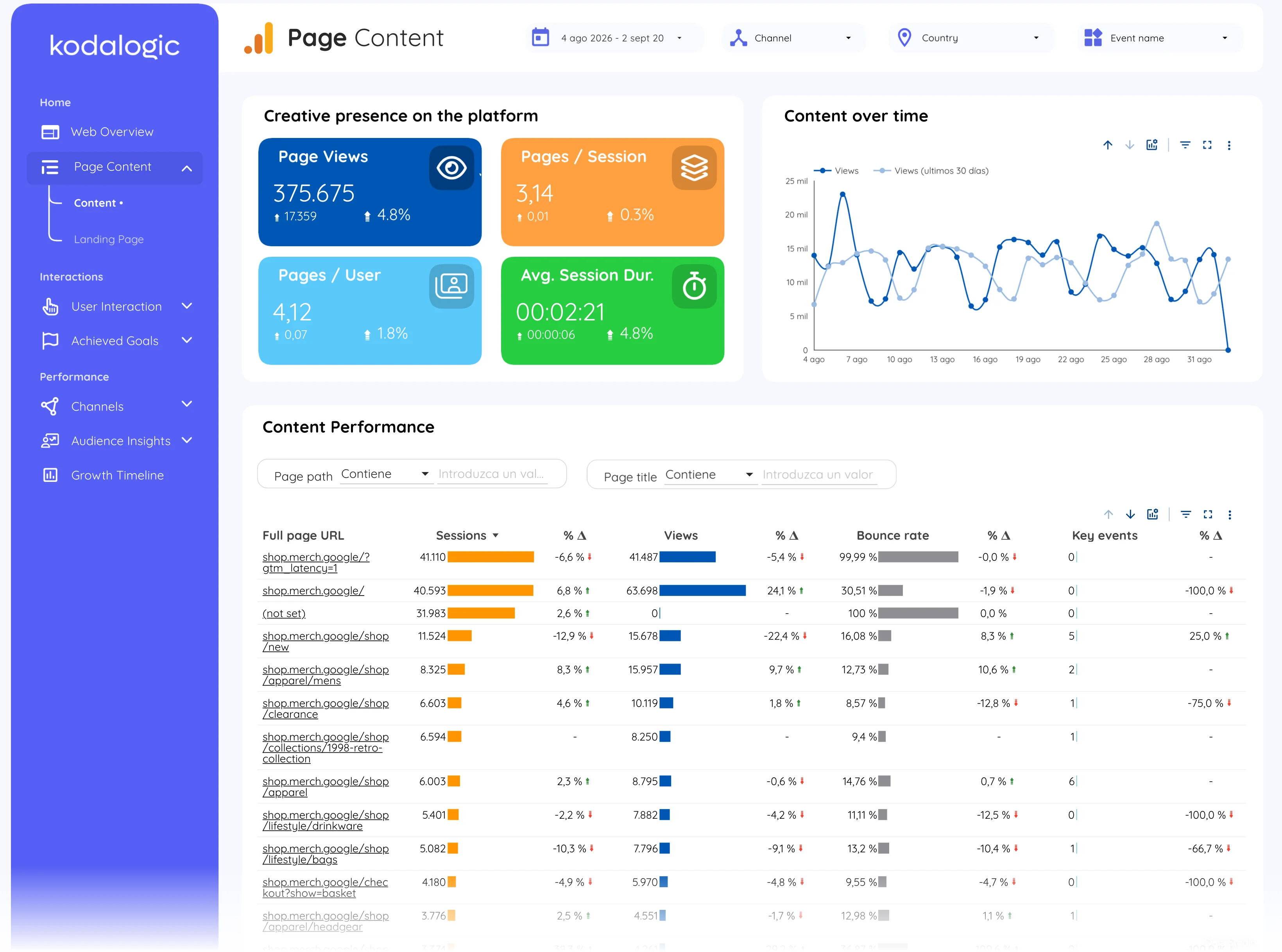
In a Data Studio (formerly Looker Studio) report page path is the first column of the content and landing page tables, with views, sessions, bounce rate and key events beside it, and a filter box that isolates one section of the site (everything under /blog, for example) across the whole report.
Where to find it in Google Analytics 4
Google Analytics 4: Reports, then Engagement, then Pages and screens (dimension Page path and screen class).